

CS2 Sensitivity and eDPI Guide: Find Your Best Setting in 2026
Quick Answer
Calculate eDPI as mouse DPI × CS2 in-game sensitivity, then use it to document—not dictate—your setting. Test one small change at a time with the same routine. A mousepad changes physical glide and stopping feedback, not your DPI, sensitivity value, or eDPI; choose the feel that helps you repeat controlled movements.
Shop: Eclipse XL | Infinity v2 XL
Finding a useful CS2 sensitivity is less about borrowing a number and more about making your setup measurable. DPI and the in-game slider describe the input; mouse room, grip, posture, skates, and surface feedback shape how that input feels in your hand. Start with the setting you already use, record it, and change only one variable when a repeatable aim pattern tells you to.
This guide uses eDPI to keep the math clear, then turns common misses into practical tests. It is not a promise that one number, pad, or drill will improve results. The goal is a setting you can learn consistently during ordinary rounds, not a different setting after every missed flick.
What CS2 Sensitivity and eDPI Measure
DPI is the sensitivity set on the mouse. In-game sensitivity is the multiplier selected in CS2. Their product is eDPI: mouse DPI × in-game sensitivity. For example, 800 DPI at 1.00 sensitivity equals 800 eDPI, as does 400 DPI at 2.00. That makes eDPI a convenient same-game shorthand when you compare settings or keep notes.
It is not a rating and it does not identify a best setting. Two players can use the same eDPI while relying on different amounts of wrist and arm movement, using different clear desk widths, or preferring different feedback at the end of a flick. Do not assume a value transfers directly from another game, either; in-game scales are different.
Before testing, write down your active DPI profile, CS2 Mouse Sensitivity, calculated eDPI, usable pad width, and one recurring issue. Be specific: “I pass small corrections,” “I cannot recenter for a turn,” or “the first movement feels hesitant.” A clear observation gives the next experiment a purpose.
Control Feedback: Eclipse XL

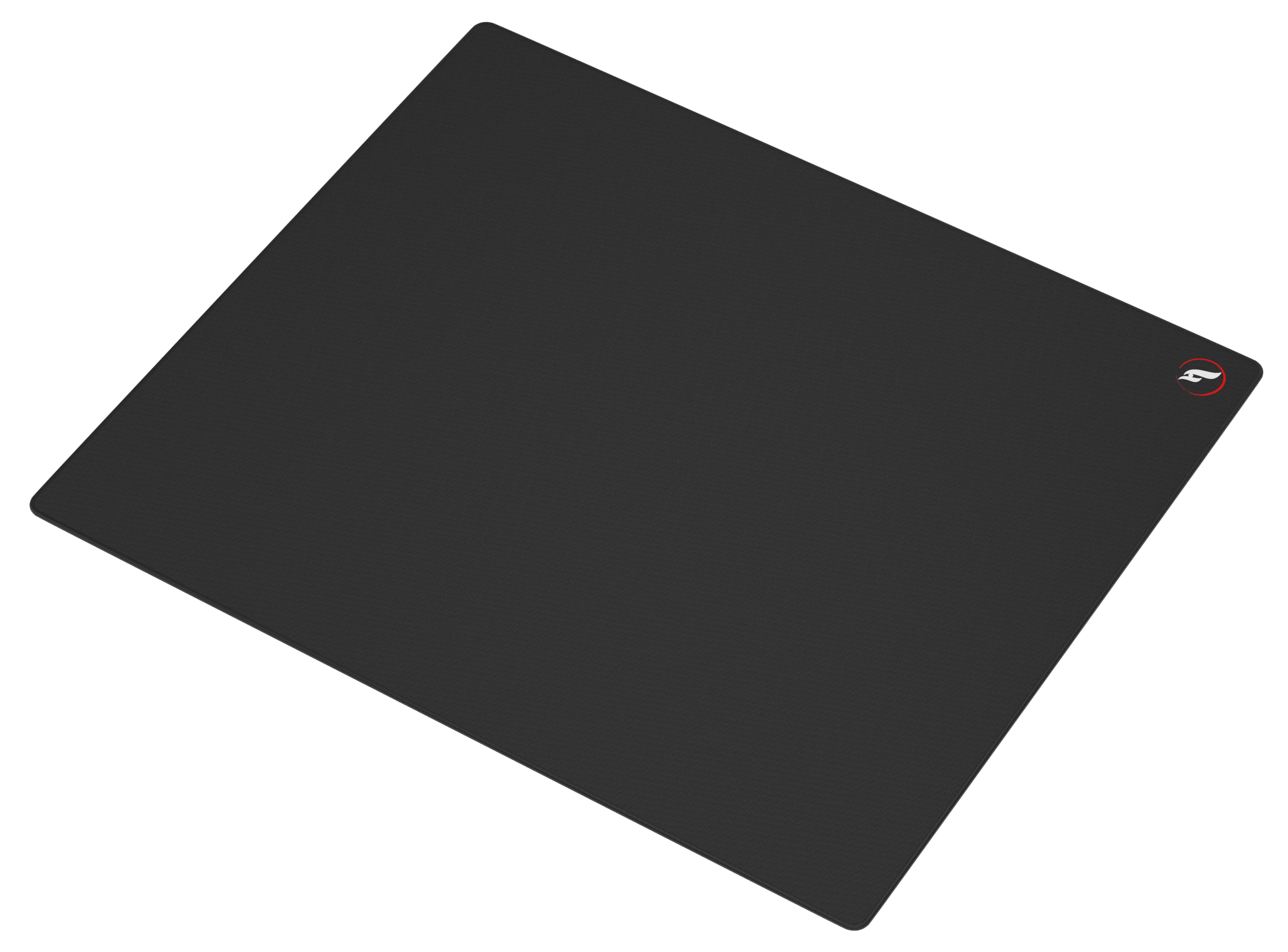
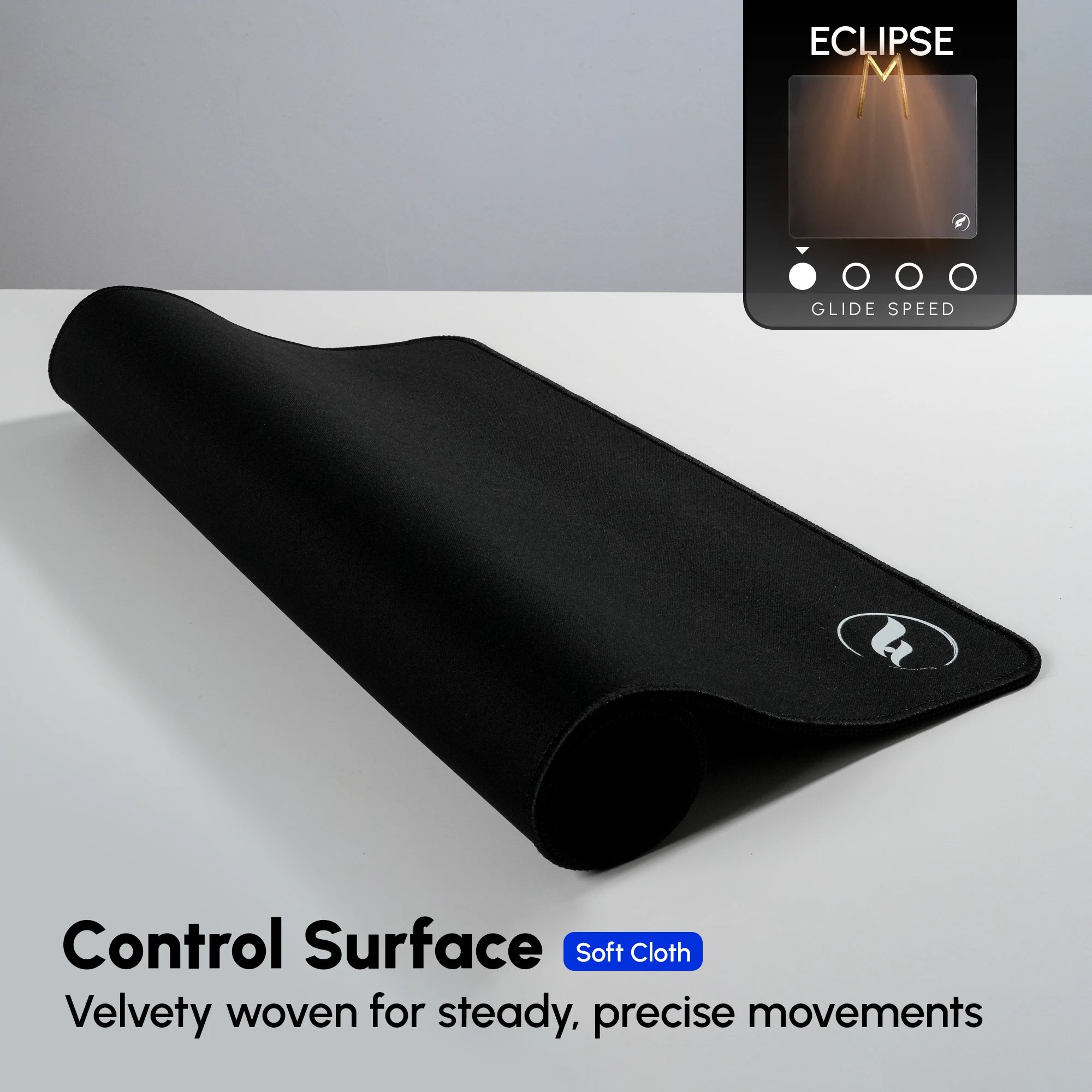
The Odin Gaming Eclipse XL is a control-first option for players whose notes point to overshooting or uncertain stops. Its micro-woven, ultra-soft control surface is designed for a more deliberate response, while a natural-rubber base and reinforced stitched edges support a stable cloth-pad setup. It may suit a player who wants clearer braking feedback while landing a flick or settling a small correction.
The tradeoff is intentional: a control-focused surface can feel less free-moving at the start of a swipe than a smoother hybrid. That is not a reason to change eDPI. Keep your number unchanged for several sessions and decide whether the additional stopping feedback addresses the pattern you recorded. Check the selected product variant for current price and availability.
Textured Hybrid Feedback: Infinity v2 XL

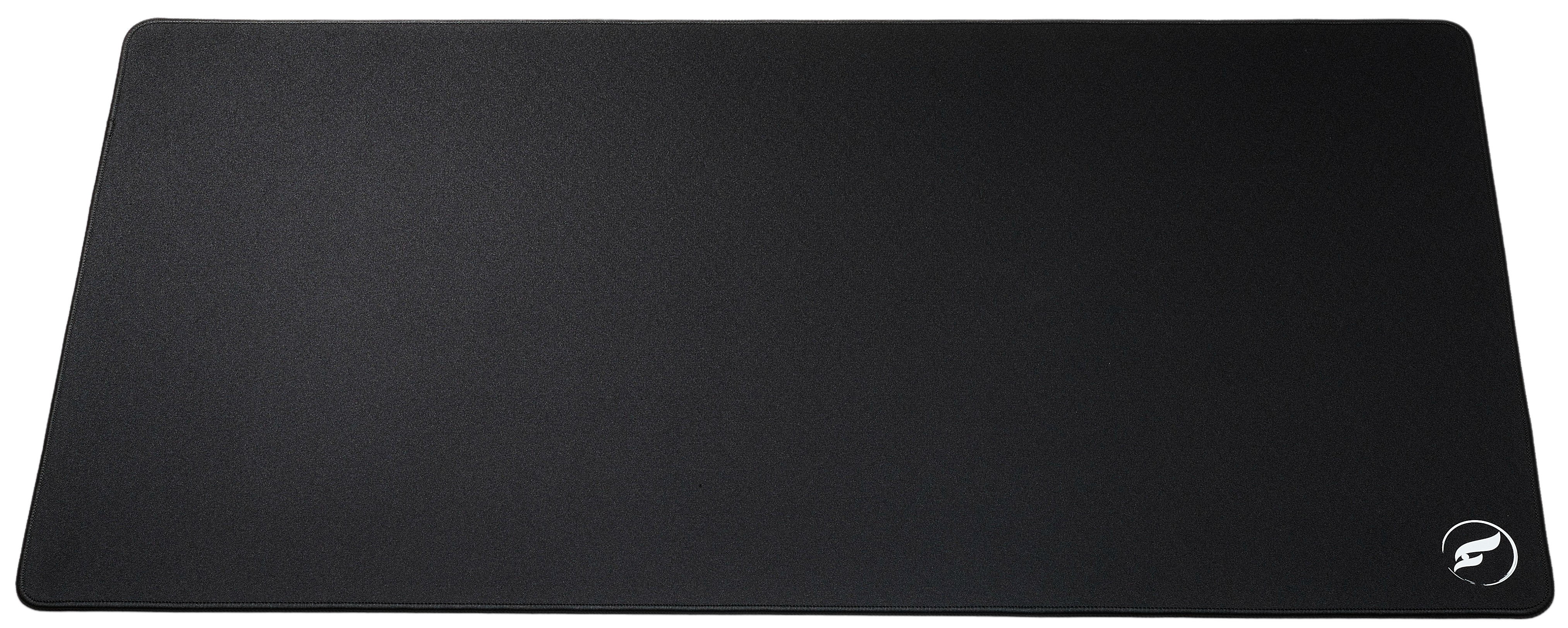
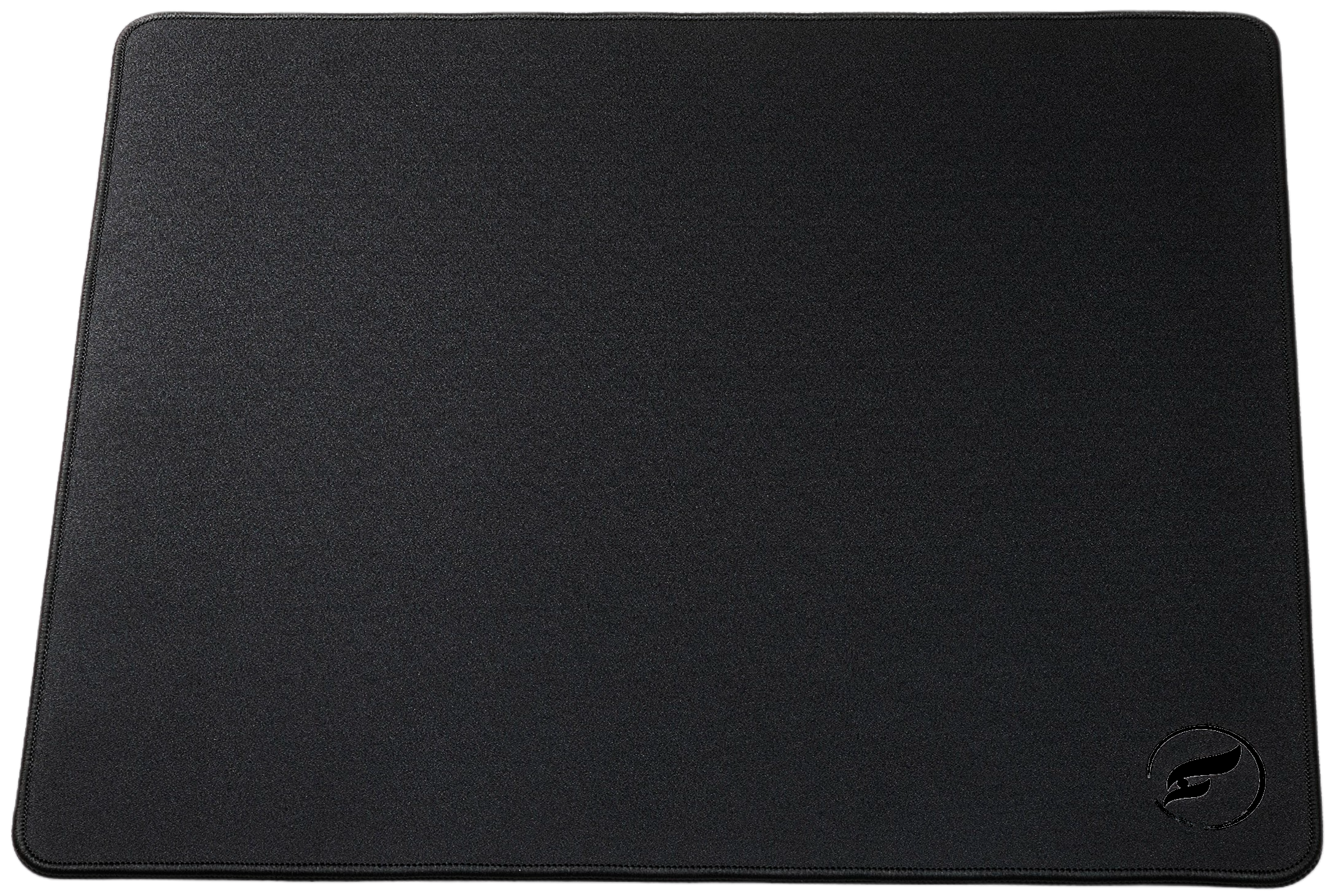
The Infinity v2 XL takes a textured hybrid approach: balanced glide and control with tactile cloth feedback under the mouse. Its natural-rubber non-slip base and reinforced stitched edges make it a relevant comparison when you want a surface that is neither a pure speed feel nor a control-first feel. Texture is personal; it can be useful feedback for one player and unnecessary for another.
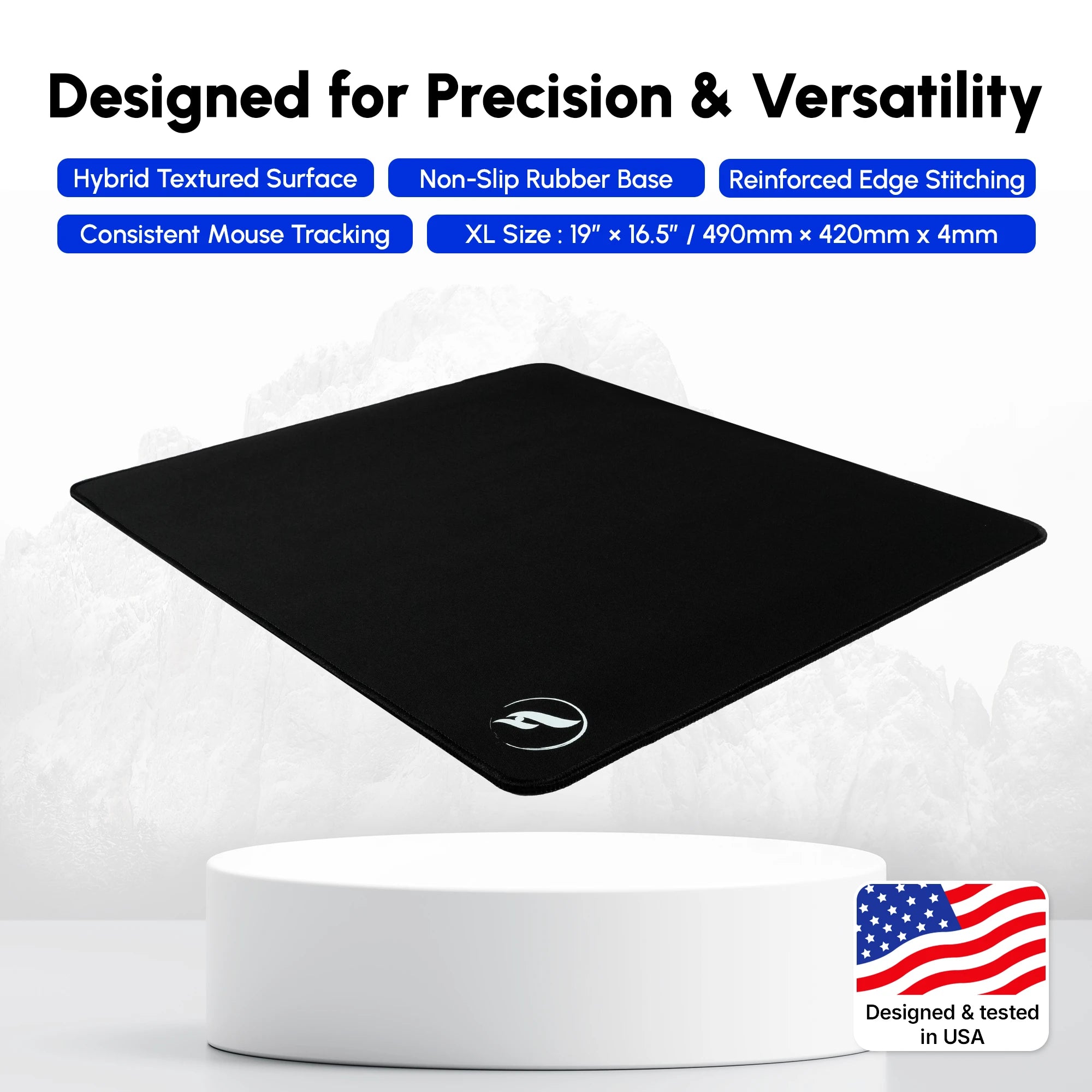
If your first movement feels constrained on a more controlled surface but you still want a deliberate finish, this is a reasonable feel to test. The XL footprint offers 490 × 420 mm of pad area; measure the clear space left by your keyboard and cable before treating any sensitivity issue as a number problem. Product colors, sizing options, prices, and stock can change, so verify the chosen listing before ordering.
Diagnose Your Sensitivity and Surface
Change one thing at a time. A lower sensitivity, a wider usable area, a cleaner pad, a different grip tension, and a new surface can all change the same subjective feeling. Use the table as a diagnostic starting point rather than a set of fixed eDPI prescriptions.
| Aim Pattern | Check First | One Controlled Test |
|---|---|---|
| Small corrections pass the target | Grip tension and repeated overshoots | Test a modest sensitivity reduction or more stopping feedback |
| Routine turns run out of room | Clear pad width, keyboard position, cable path | Reposition the setup before changing the number |
| The first movement feels reluctant | Dust, skates, tension, and surface feel | Clean and retest; compare a smoother hybrid only if needed |
| Aim varies from session to session | DPI profile, posture, warm-up, and notes | Standardize the routine before making another change |
A Repeatable CS2 Sensitivity Routine
Use the same short sequence for each candidate setting. First, warm up normally with your baseline and record how wide turns, controlled flicks, and short target-to-target corrections behave. Next, alter either DPI or in-game sensitivity by a modest amount—never both—and repeat those exact checks in the same practice environment. Community-made CS2 Training maps can help make a routine repeatable, but a practice score alone does not prove competitive transfer.
Then play familiar rounds and write observable outcomes rather than a verdict such as “bad.” “Wide turns reach, but the final correction passes” is useful; “I felt off” is not. Retest the more manageable candidate after a normal warm-up on another day. If the same pattern persists across sessions, commit long enough for the setting to become familiar before reopening the experiment.
A mousepad swap belongs in that routine too. Keep sensitivity stable while assessing a new surface, because the pad changes physical feedback rather than eDPI. If corrections pass the target, continue with seven overshooting fixes; if turns run out of room, use the CS2 XL vs 2XL size guide. For broader surface context, read The Best Mousepads for CS2 in 2026. A calm log and a setting you stop chasing matter more than a supposedly perfect number.
Shop the Gear in This Article
Odin Gaming
Build a CS2 Setup You Can Repeat
Choose a surface that fits your feedback preferences, then give your sensitivity routine room to work.
Shop CS2-Ready Mousepads★★★★★ Rated 4.9/5 by 800+ customers · Free Shipping · 30-Day Returns