

Best Mousepad Size for CS2: XL vs 2XL for Low-Sensitivity Players
Quick Answer
Choose the Infinity v2 XL when its 490 × 420 mm mouse-only area keeps your normal CS2 turns clear. Move to the Infinity v2 2XL when you have room for 914 × 457 mm and want the keyboard and mouse on one hybrid surface. Measure the open lane beside your keyboard before choosing.
Shop: Infinity v2 XL | Infinity v2 2XL
For a low-sensitivity CS2 player, pad size is about preserving a reliable path for the mouse. You need room to turn, stop, correct, and recenter without finding an edge in the middle of a round. That does not automatically make the biggest desk pad the right purchase. The useful question is whether your keyboard position leaves enough open surface for your normal movement.
An XL can be the cleaner answer on a compact desk. A 2XL can simplify a wider keyboard-and-mouse setup. This guide compares the current Infinity v2 footprints and helps you test the space you already have. For a surface-focused complement, see Odin’s CS2 mousepad guide.
Start With Usable Mouse Room, Not the Label
XL and 2XL are size labels, not a verdict on how much space reaches your mouse. Think instead about usable mouse room: the unobstructed area from the mouse-side edge of the keyboard to the edge of the pad. A large shared pad may look generous but still leave a narrow lane if the keyboard sits deep into that space.
Lower sensitivity asks for more physical travel for the same in-game turn. Pad size does not alter DPI, in-game sensitivity, or eDPI; it only changes how much room is available for that travel. The practical warning signs are repeatable edge contact, frequent lifts during ordinary aim, or ending a turn in a poor position for the next correction. One rare emergency swipe is less persuasive than a pattern across several matches.
Start with your natural posture rather than forcing a dramatic keyboard angle. If moving the keyboard slightly left restores an open lane, an XL may already solve the problem. If the keyboard must overlap the mousing area or normal turns repeatedly exhaust the surface, more footprint becomes a functional choice.
When an Infinity v2 XL Is Enough

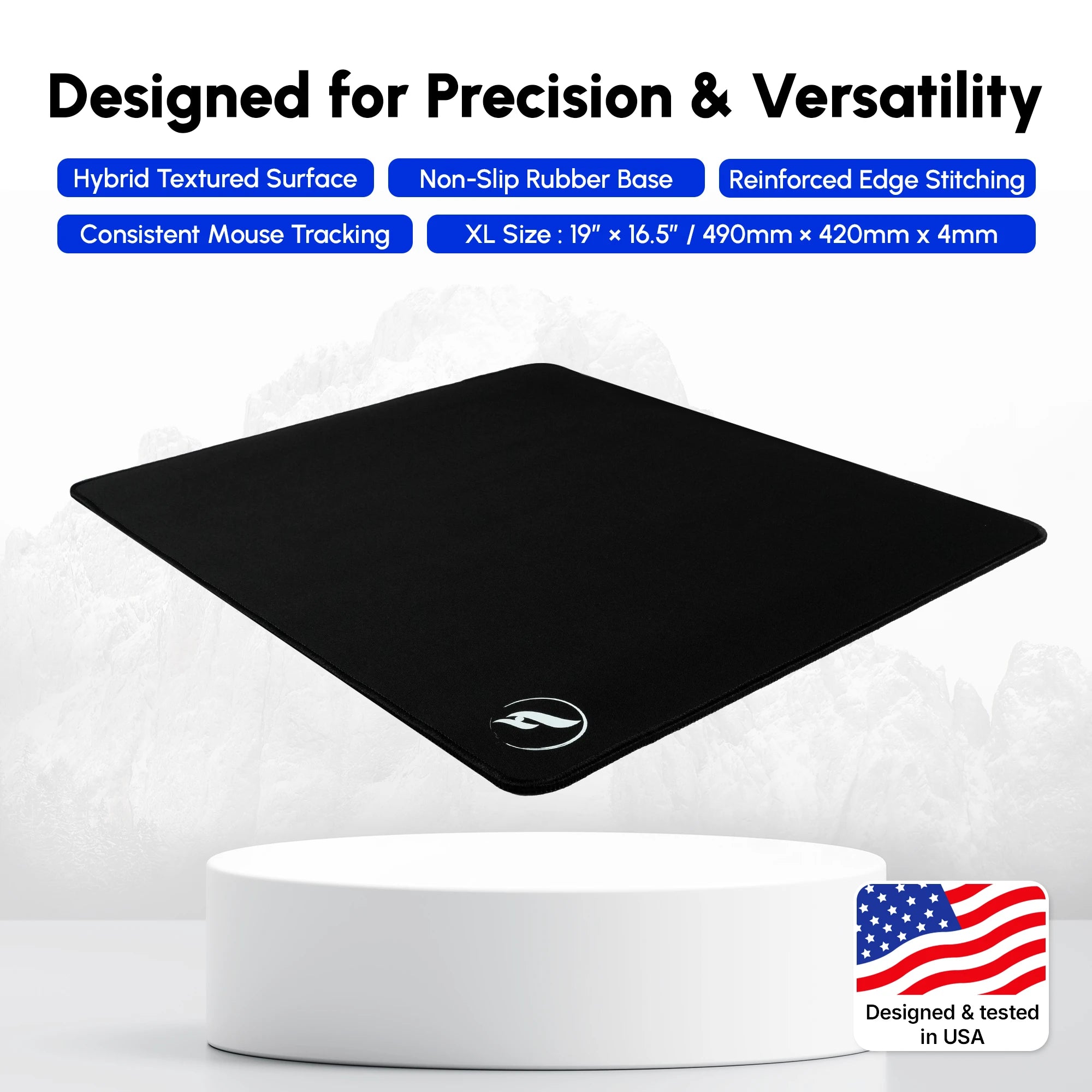
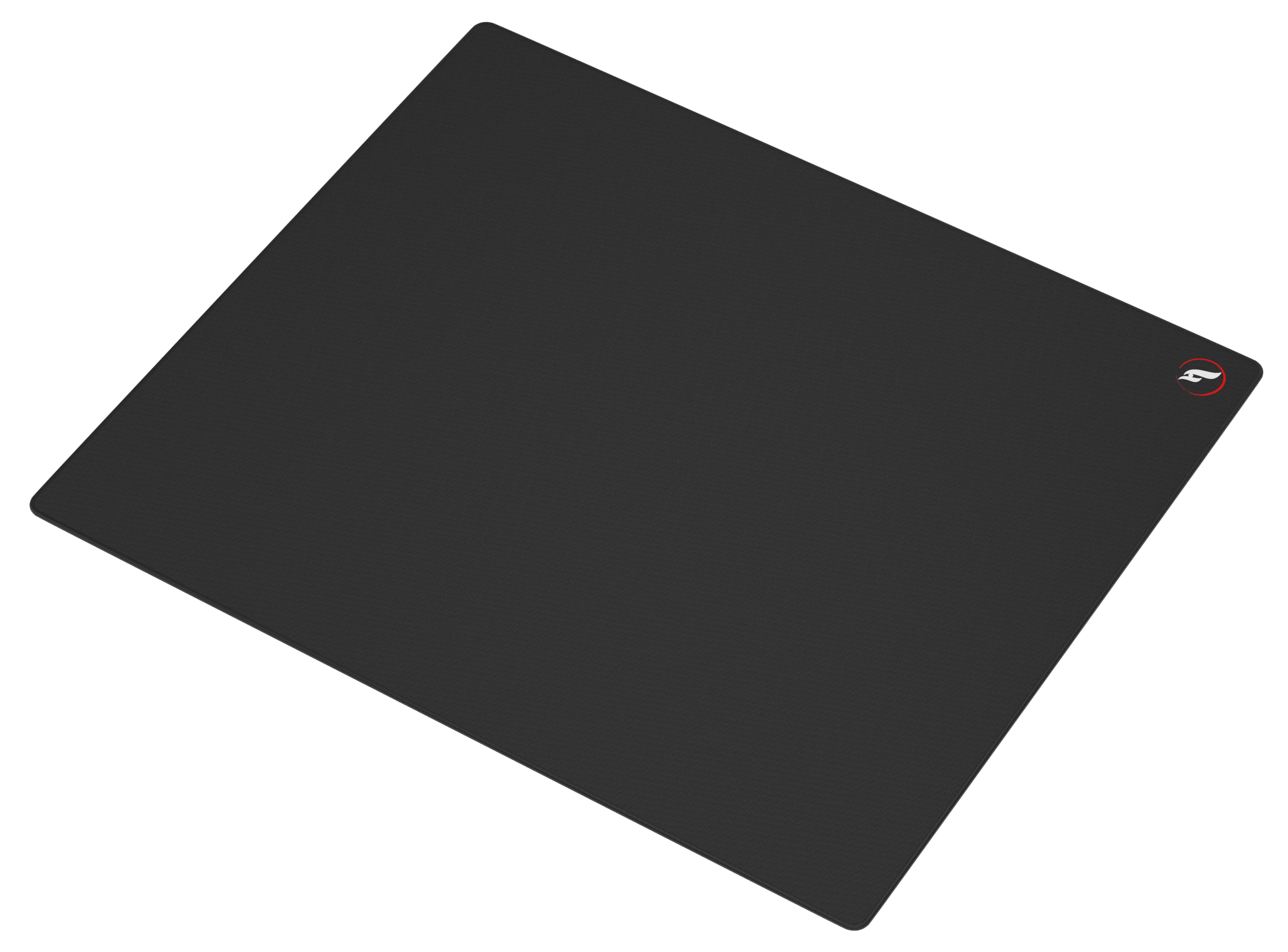
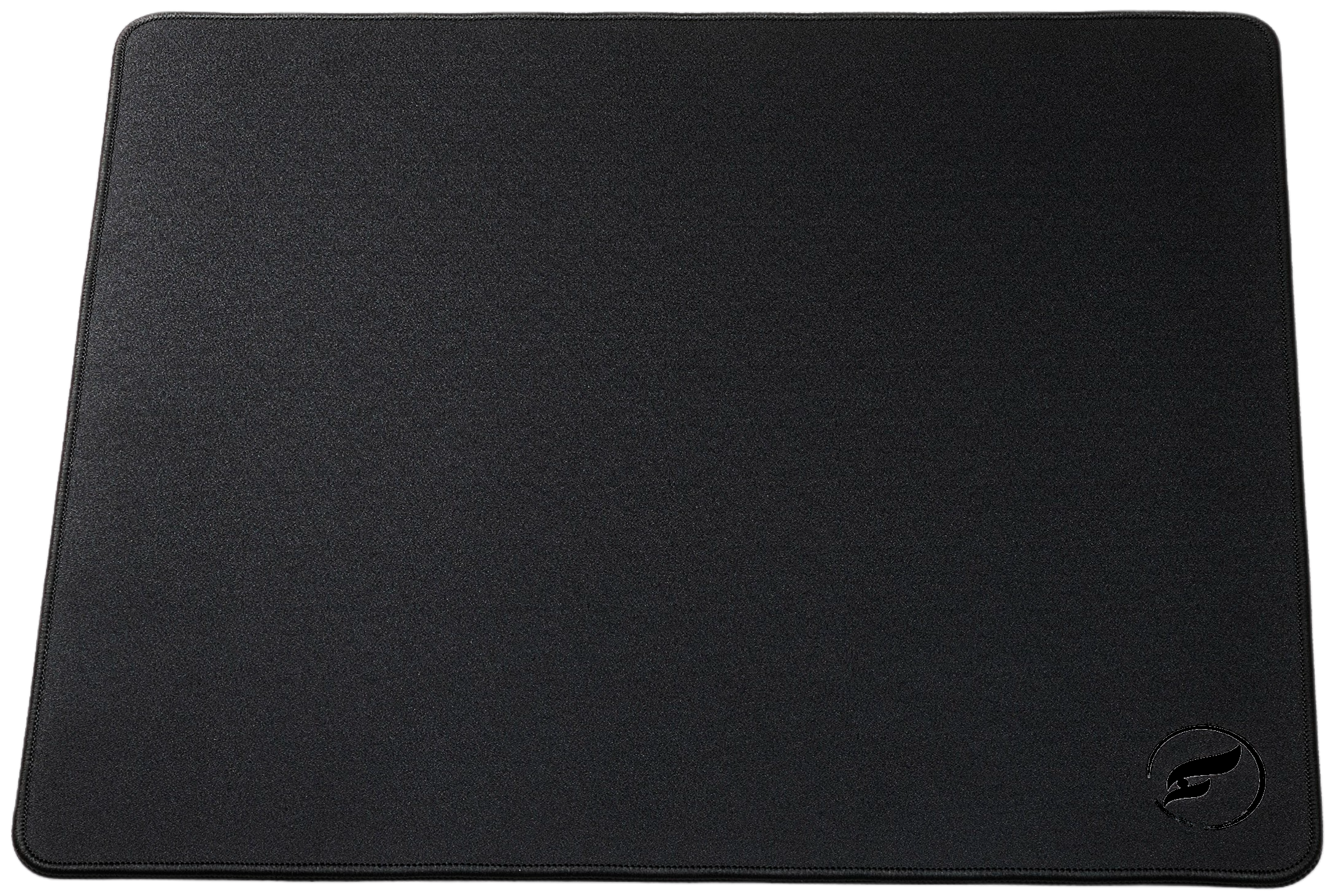
The Infinity v2 XL is a 490 × 420 mm hybrid mousepad. It is the sensible starting point when the pad can be dedicated to the mouse and your keyboard can remain beside it instead of encroaching on its left edge. That arrangement preserves the full width for aiming while using less of a small desktop.
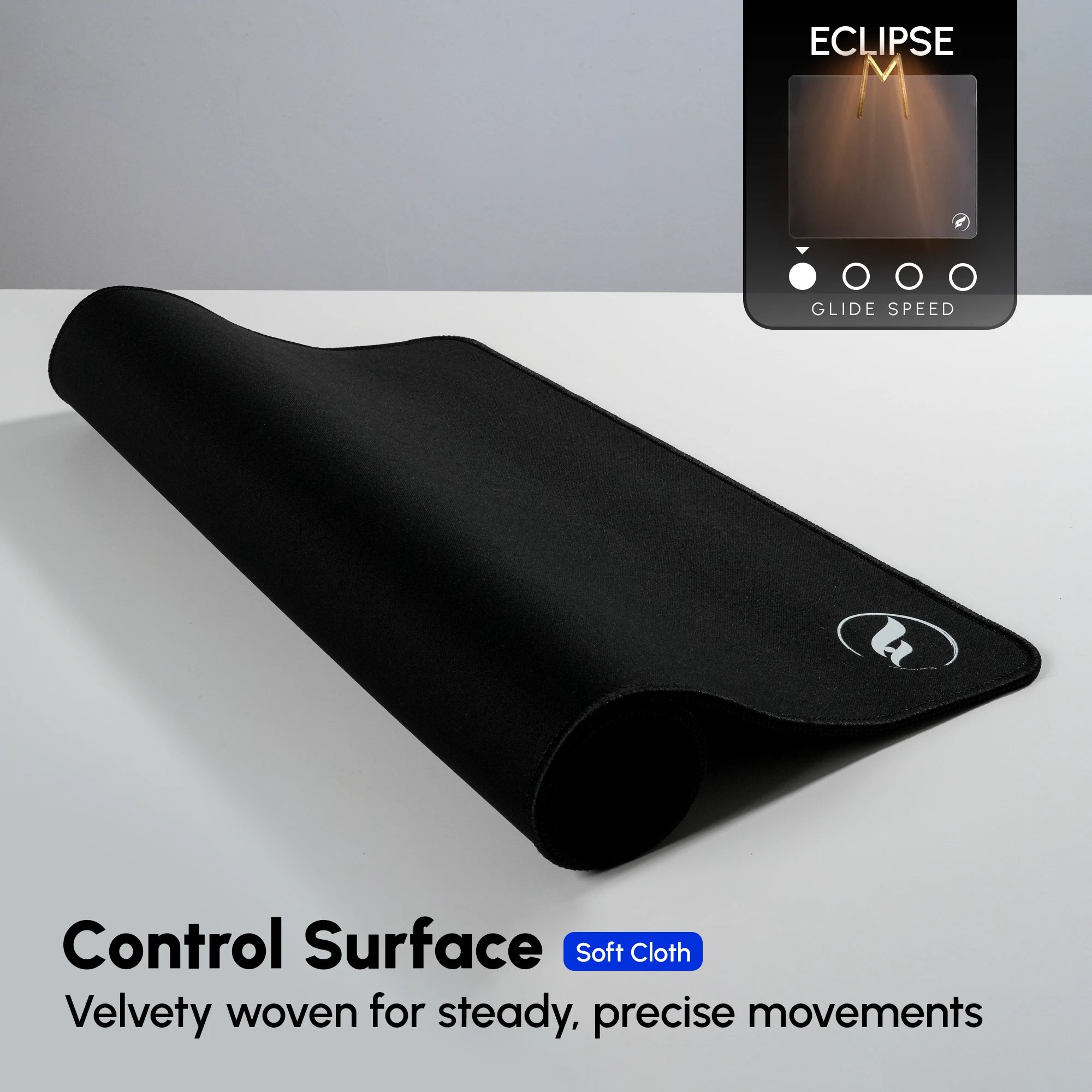
Infinity v2 uses a textured hybrid cloth surface; Odin describes the line as offering smooth movement with controlled feedback. Size does not decide surface preference, so treat the XL as a footprint choice first. Check the selected color and current stock on the product page, because variants can change independently.
When an Infinity v2 2XL Makes Sense

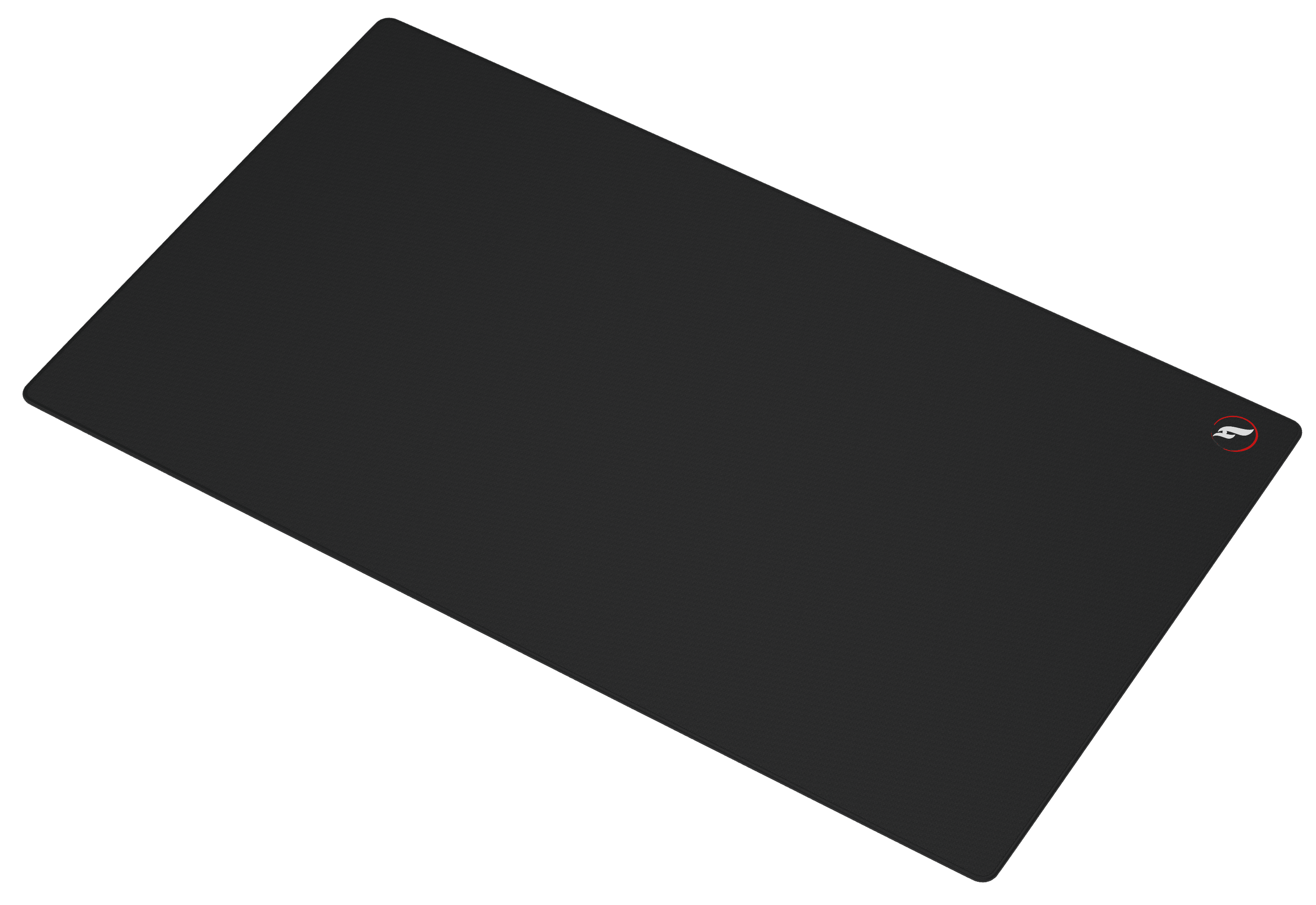
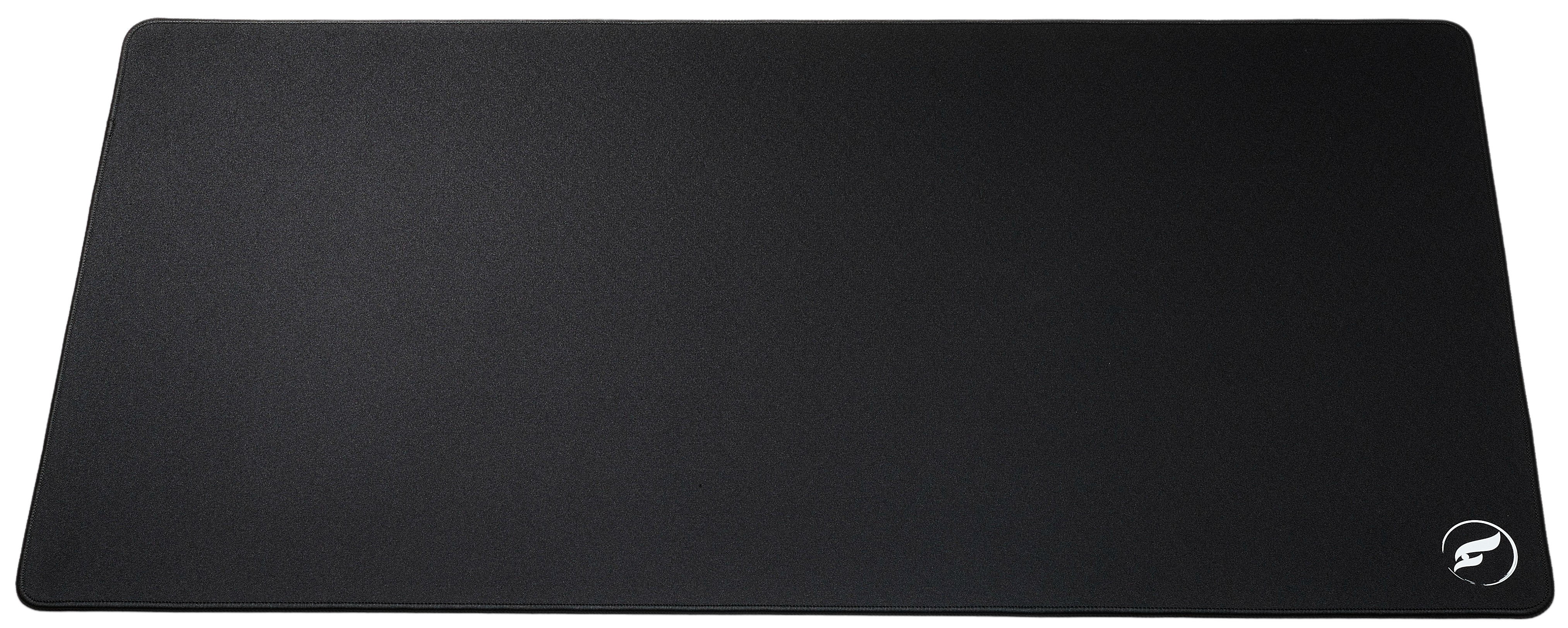
The Infinity v2 2XL measures 914 × 457 × 3 mm and is built for a keyboard-and-mouse layout on one surface. It makes sense when that full footprint fits your desk and you want the keyboard to sit on the pad without crowding the mouse-side lane. The extra width can also make placement easier to repeat after cleaning or rearranging the desk.
More coverage is not the same as automatically more aiming room. Put the keyboard in its normal position, then measure from its mouse-side edge to the pad edge. If that distance is similar to the clear width an XL would provide, the 2XL offers a unified desk surface but may not materially change your mouse travel. The 2XL shares the Infinity v2 hybrid surface, reinforced stitched edges, and non-slip rubber base; it differs chiefly in the footprint it gives your setup.
Measure Your Desk and Test Your Lane
Measure clear desktop space rather than relying on a desk’s advertised dimensions. Monitor stands, speakers, charging docks, and a front desk lip all affect whether a larger pad lies flat and leaves comfortable forearm room. Mark the proposed footprint with painter’s tape before ordering, then place the keyboard where it really stays during play.
| Setup Check | Infinity v2 XL | Infinity v2 2XL |
|---|---|---|
| Footprint | 490 × 420 mm | 914 × 457 × 3 mm |
| Keyboard position | Beside the mousepad | On the shared pad, if the mouse lane remains open |
| Best desk-fit signal | Normal turns stay inside a dedicated mouse zone | Full footprint fits while preserving mouse-side clearance |
| Primary tradeoff | Less reserve for broad travel | Requires more clear desk width and depth |
Run a short, repeatable check after marking the size: play an aim map or Deathmatch, use your usual starting position, and include both directions of the broad turns you make most often. Keep sensitivity unchanged while testing. If an XL boundary is reached only after an unusual full rotation, deliberate recentering may be enough. Regular edge contact in ordinary engagements is stronger evidence for a larger layout.
Depth matters as much as width. The 2XL’s 457 mm depth needs a clear front-to-back path. If it reaches the front edge of the desk, confirm that your arms can still rest naturally instead of treating a larger rectangle as an automatic upgrade.
The Practical XL vs 2XL Decision
Choose the Infinity v2 XL when 490 × 420 mm can remain a mouse-only area and the marked zone contains your routine CS2 movement. It is especially practical when desk depth is limited or when a separate keyboard position creates a cleaner aiming lane than a shared pad would.
Choose the Infinity v2 2XL when you can accommodate 914 × 457 mm and want one surface for keyboard and mouse without sacrificing the open area on the mouse side. It is a layout upgrade, not a sensitivity upgrade. Keep enough margin for fixed desk hardware and verify the selected color’s availability before checkout.
Whichever size you choose, lock sensitivity, set the keyboard where it belongs, and judge whether normal movements remain comfortable without repeated lifts. If surface feel is the question, use Odin’s CS2 control vs hybrid guide; if keyboard placement is the constraint, continue with the competitive setup guide. The right footprint removes a desk constraint; it does not promise better aim.
Shop the Gear Mentioned in This Article
Odin Gaming
Build a CS2 Setup With Room to Move
Choose a mousepad footprint and surface that fit your desk, keyboard placement, and everyday movement.
Shop Gaming Mousepads★★★★★ Rated 4.9/5 by 807 customers · Free Shipping · 30-Day Returns