

Control vs Hybrid Mousepad for CS2: Which Surface Fits Your Aim?
Quick Answer
Choose a control surface when you want more resistance at the end of a flick or during tiny corrections. Choose a hybrid surface when an easier start to movement and a balanced stop sound more natural. Neither surface replaces practice; the useful choice is the one that makes your usual CS2 inputs feel repeatable.
Compare: Eclipse XL Control | Andromeda Pro XL Hybrid
A control versus hybrid mousepad decision for CS2 is not a hunt for a universal winner. It is a choice about resistance under your hand: how a movement begins, how it settles on a target, and how the surface feels through long sessions. For a wider look at CS2 pad options, start with Odin’s CS2 mousepad guide; this guide narrows the question to surface feel.
How Control and Hybrid Surfaces Change CS2 Aim
A control pad typically asks for more force to start and stop the mouse. That extra resistance can make the end of a rifle flick or a small correction feel more deliberate. A hybrid surface aims for a middle response: motion starts more freely than on a control-first pad, while the finish still has more resistance than a dedicated speed surface.
That distinction shows up in familiar CS2 moments. You may arrive on an angle with your crosshair nearly placed, make a short correction, stop a transfer, then adjust during a spray. If you regularly pass a target and pull back, more stopping power may be worth trying. If a move feels reluctant to begin or your arm feels like it is working against the surface, a smoother hybrid may be more comfortable.
Do not assign every miss to the pad. Crosshair placement, recoil practice, grip tension, desk position, and in-game sensitivity all matter. A mousepad also does not alter the sensitivity number in CS2. It changes the physical feedback around that input, which is why a familiar setting can feel planted on one cloth surface and freer on another.
Control Choice: Eclipse XL

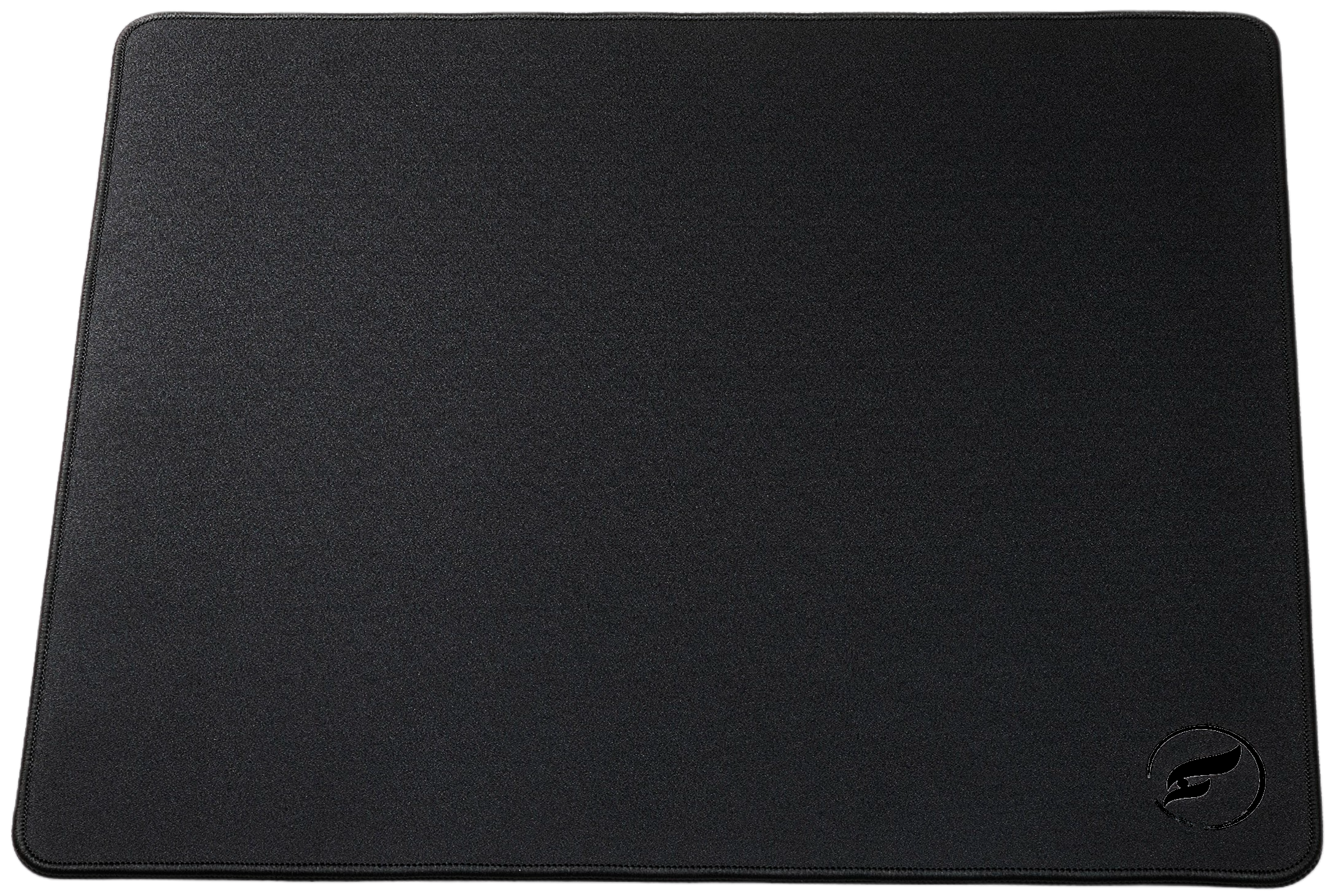
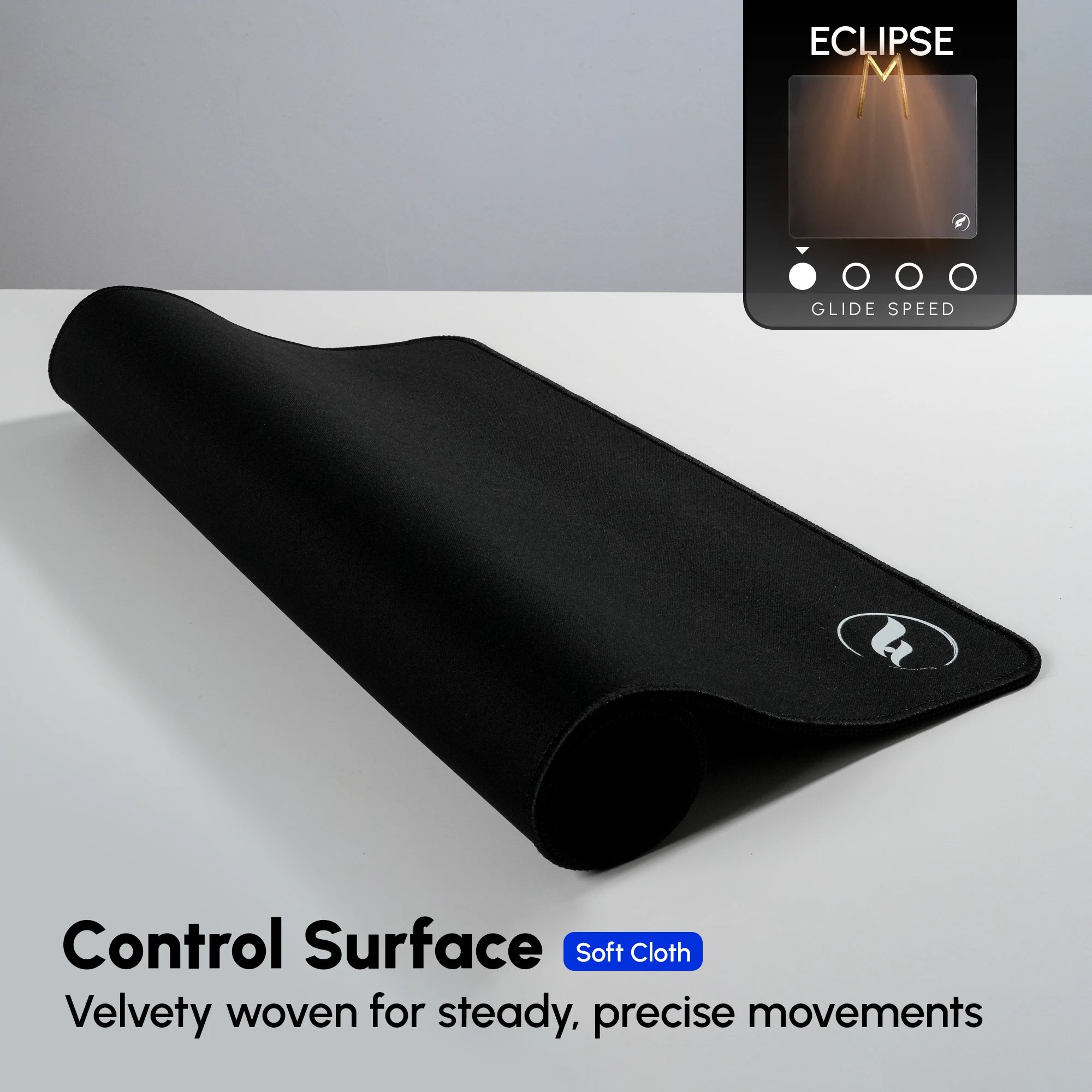
The Odin Gaming Eclipse XL is the direct option when braking feel is the priority. Its ultra-soft micro-woven, coating-free cloth surface is built around controlled movement and low-speed corrections. The 4 mm pad uses a natural-rubber non-slip base and stitched edges, making it a practical fit for a player who wants a soft contact surface as well as a steadier end to a motion.
Choose Eclipse when your recurring issue is overshooting, when you value a more anchored feel for small corrections, or when you simply prefer softness over pronounced texture. The tradeoff is intentional: initial movement will not feel as effortless as it can on a smoother hybrid. It cannot correct sensitivity or technique, but it gives a control-focused hand feel to test with your existing settings.
Hybrid Choice: Andromeda Pro XL

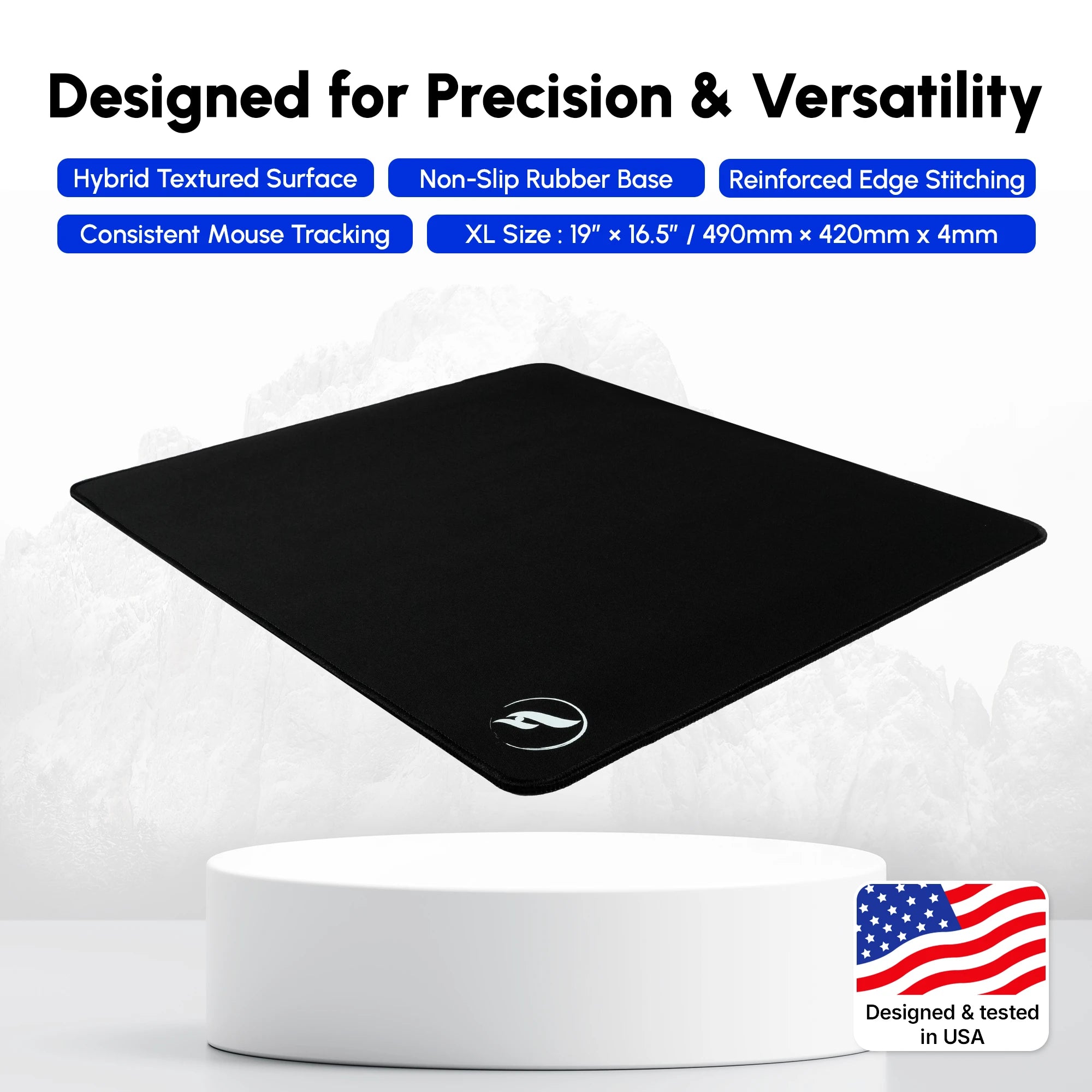
The Odin Gaming Andromeda Pro XL takes the smoother hybrid route. Its surface is intended to balance an easier glide with purposeful stopping power, so it suits a player who moves between wider clears, flicks, tracking, and small corrections in the same session. The hexagonal polyurethane base is designed to keep the pad stable on the desk.
Pick the Andromeda Pro XL when a control surface sounds too resistant but a speed-first surface sounds too loose. It is a middle-ground feel, not a faster-aim promise. It also will not feel as locked-in at the finish as Eclipse for every hand. If texture matters most, Odin’s Infinity v2 XL is the texture-led hybrid alternative to compare; check each live product page for current variants and availability.
Compare the Feel Before You Buy
Start with the repeatable problem you notice, rather than a label such as “best for CS2.” The table is a buying diagnostic, not a sensitivity prescription. It describes likely surface fit; your grip, desk space, and preference still decide the final answer.
| Aim Pattern | Surface Priority | Practical Starting Point |
|---|---|---|
| You often pass the target, then pull back. | More stopping resistance | Eclipse XL control surface |
| Your first movement feels effortful or slow. | Easier initial glide | Andromeda Pro XL smooth hybrid |
| You want a tactile cue during small corrections. | Balanced glide with texture | Infinity v2 XL textured hybrid |
| You mainly want the lightest possible movement. | Low friction | Compare a speed surface, accepting less braking |
“Hybrid” is not one uniform texture. A smooth hybrid and a textured hybrid can both sit between control and speed, yet give different feedback to your fingertips and forearm. Measure the space used by your actual swipe before changing size, particularly if you use low sensitivity.
Choose, Then Test One Variable at a Time
Use a simple rule: choose Eclipse XL for the strongest control emphasis, Andromeda Pro XL for a smooth balanced response, or Infinity v2 XL for balanced glide with more texture. The right answer is the feel that lets you repeat your normal motions without fighting the surface—not the most aggressive product description.
Keep your usual DPI and in-game sensitivity for the first few sessions. Run the same brief routine each time: a stationary first-shot correction, a medium flick-and-stop, then a transfer or short tracking sequence. Afterward, note whether you passed targets, struggled to start small corrections, or found the arm contact distracting. Give your hand time to adapt before changing another variable.
If targets regularly run long, use Odin’s overshooting guide before blaming the pad. If the setting itself is unclear, follow the CS2 sensitivity and eDPI routine. When lower sensitivity runs out of room, pair the surface decision with the live low-sensitivity mousepad guide. Judge one change through repeatable play, not one unusually good or bad match.
Shop the Gear Mentioned in This Article
Odin Gaming
Find the Surface That Fits Your CS2 Aim
Compare control, smooth hybrid, and textured hybrid mousepads to match the feedback you want under your hand.
Shop Gaming Mousepads★★★★★ Rated 4.9/5 by 800+ customers · Free Shipping · 30-Day Returns