

How to Stop Overshooting in CS2: 7 Fixes for More Consistent Aim
Quick Answer
To stop overshooting in CS2, keep one sensitivity long enough to observe the pattern, place the crosshair closer before a peek, and practice a visible stop before clicking. Release excess grip pressure and change one variable at a time. If your surface feels too slippery for small corrections, compare the control-focused Eclipse XL with the smoother hybrid Andromeda Pro XL.
Shop: Eclipse XL | Andromeda Pro XL
When your crosshair lands just beyond a head-level angle, carries past the end of a spray correction, or needs a hurried second flick, the problem is usually not mysterious. Overshooting is a repeatable mismatch between the distance you move and the distance you meant to move. In CS2, steadier aim comes from identifying that mismatch instead of changing every setting after a bad round.
The goal is not to make your mouse feel slow. It is to make starts, stops, and small corrections predictable. Use the seven fixes below as a sequence: observe the miss, stabilize your inputs, then decide whether a surface change is worth testing.
Why Overshooting Happens in CS2
Overshooting means the crosshair passes the intended endpoint before you click or settle it. A long rescue flick can look like a sensitivity issue, while a tiny correction that drifts through the target may point to rushed deceleration, a tense grip, or a very low-friction surface. The first decision is to separate those patterns rather than label every miss “bad aim.”
Fix 1: stabilize sensitivity before judging it. Record your mouse DPI and in-game sensitivity; multiplying them gives eDPI, a convenient way to compare your own settings. Hold that pair through comparable practice sessions. If the same overrun remains, make one modest change to either DPI or in-game sensitivity, not both. Changing settings, mouse feet, and surface together removes the evidence you need to learn from the result.
Fix 2: shorten the first movement with crosshair placement. Before clearing a likely angle, put the crosshair near a plausible head-height position and move through the route one angle at a time. A shorter confirmation movement is easier to stop than a wide emergency flick. In a replay or training map, ask whether the crosshair was already close before contact; that answer separates a pre-aim problem from a stopping problem.
Fix 3: release unnecessary grip pressure. A clamped hand can turn a measured flick into a jab, followed by a frantic reverse correction. Keep enough thumb and finger contact to guide the mouse, but reduce the squeeze. On a stationary target, move to it, visibly stop, pause for a beat, and then click. This cue is about finding a controllable input, not forcing a particular grip style.
Fix 4: Test More Deliberate Stops with Eclipse XL

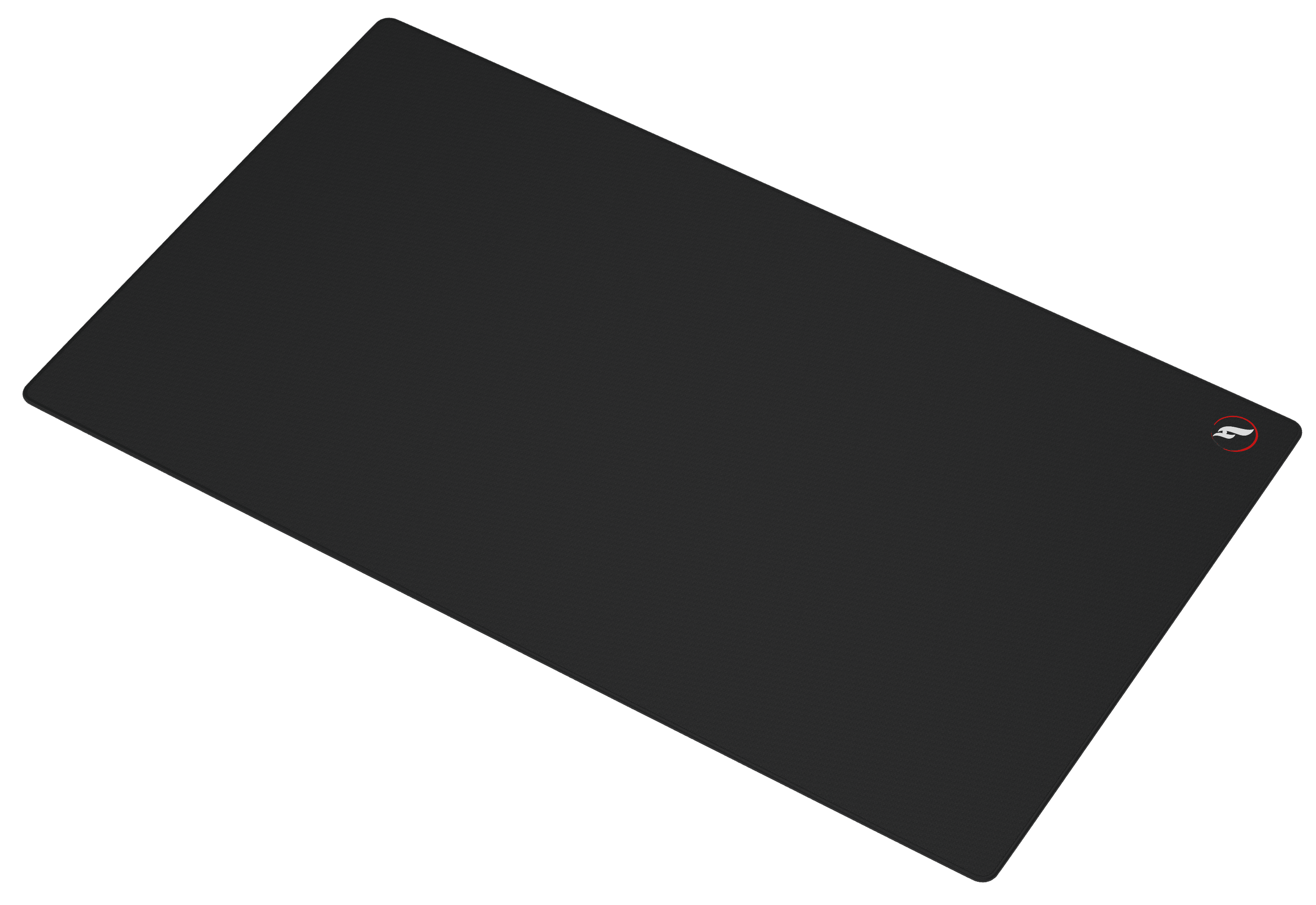
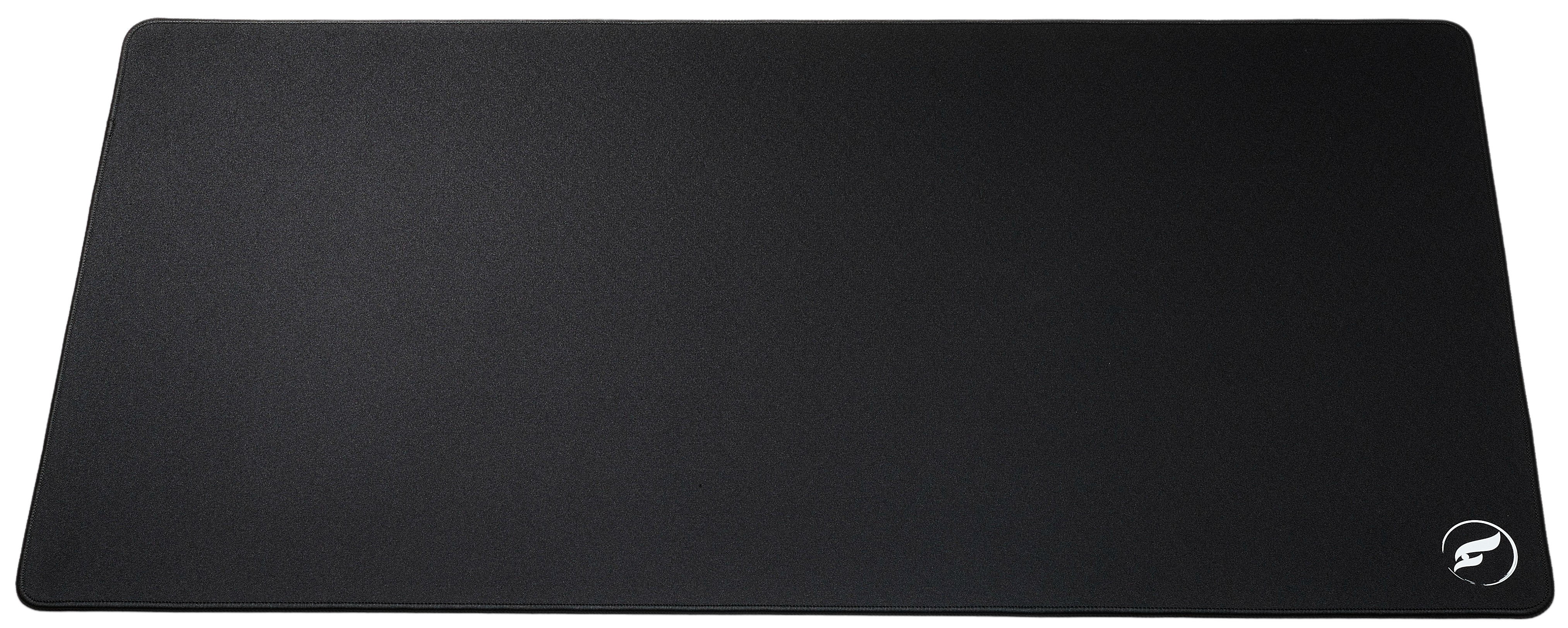
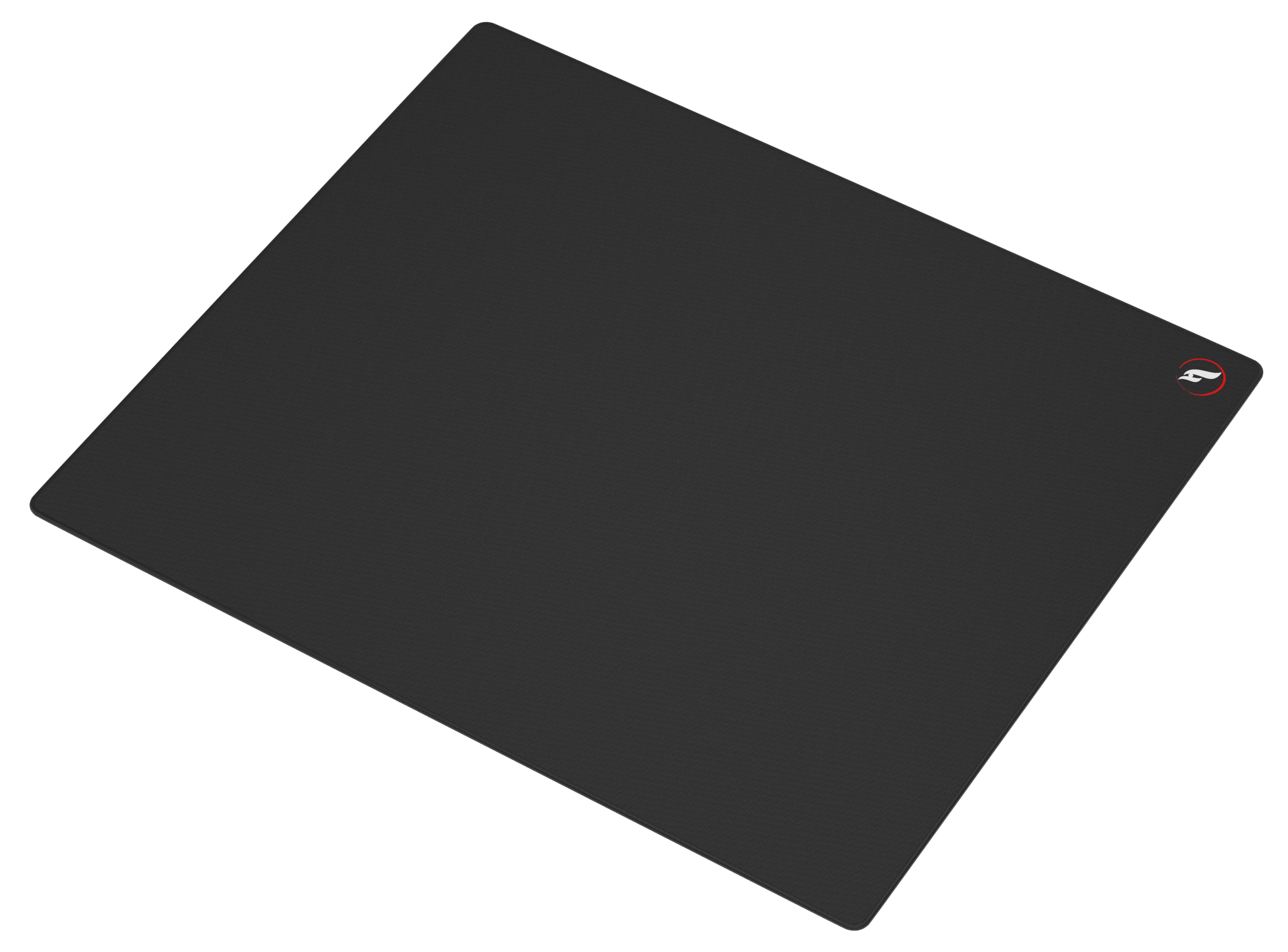
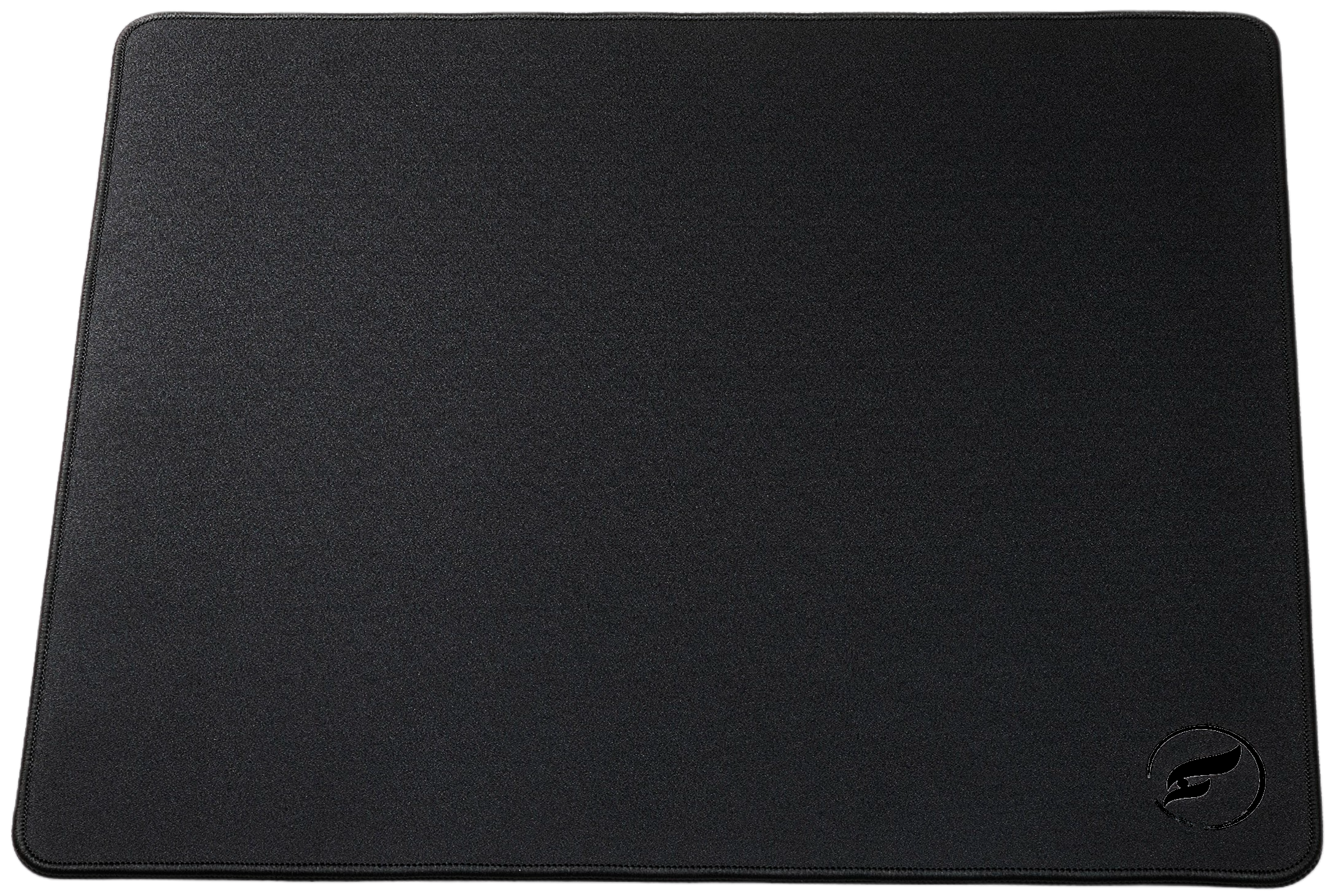
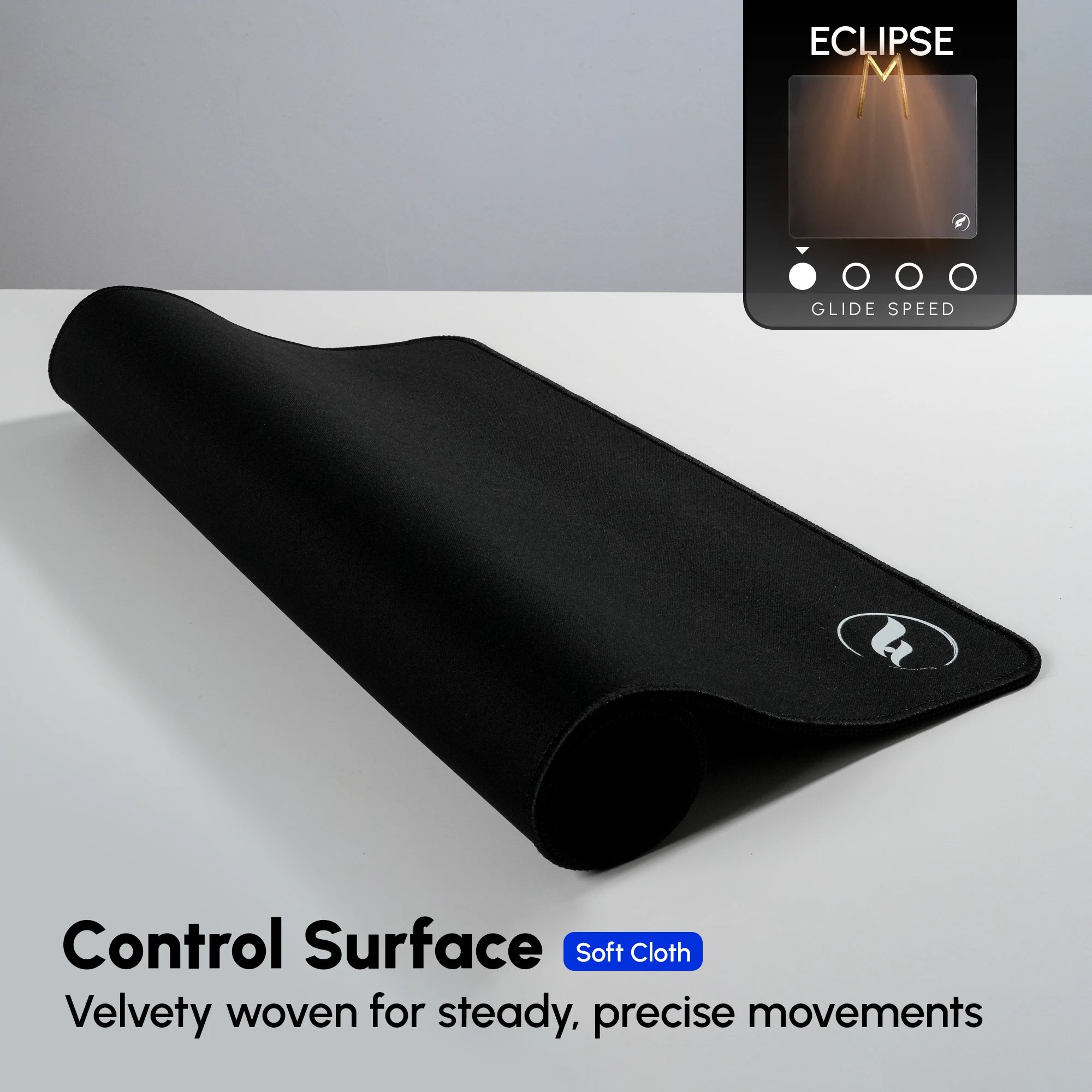
Fix 4: make deceleration part of the movement. If you have held a stable setting and small corrections still regularly glide past their endpoint, a control-forward surface is a reasonable variable to test. The Odin Gaming Eclipse XL uses a micro-woven, ultra-soft cloth surface designed for strong stopping power and low-speed accuracy, with a natural-rubber non-slip base and reinforced stitched edges. Its more deliberate initial feel is the tradeoff. Choose it for a persistent stopping pattern, not as a replacement for pre-aim or practice.
Fix 5: Test Surface Feel with Andromeda Pro XL

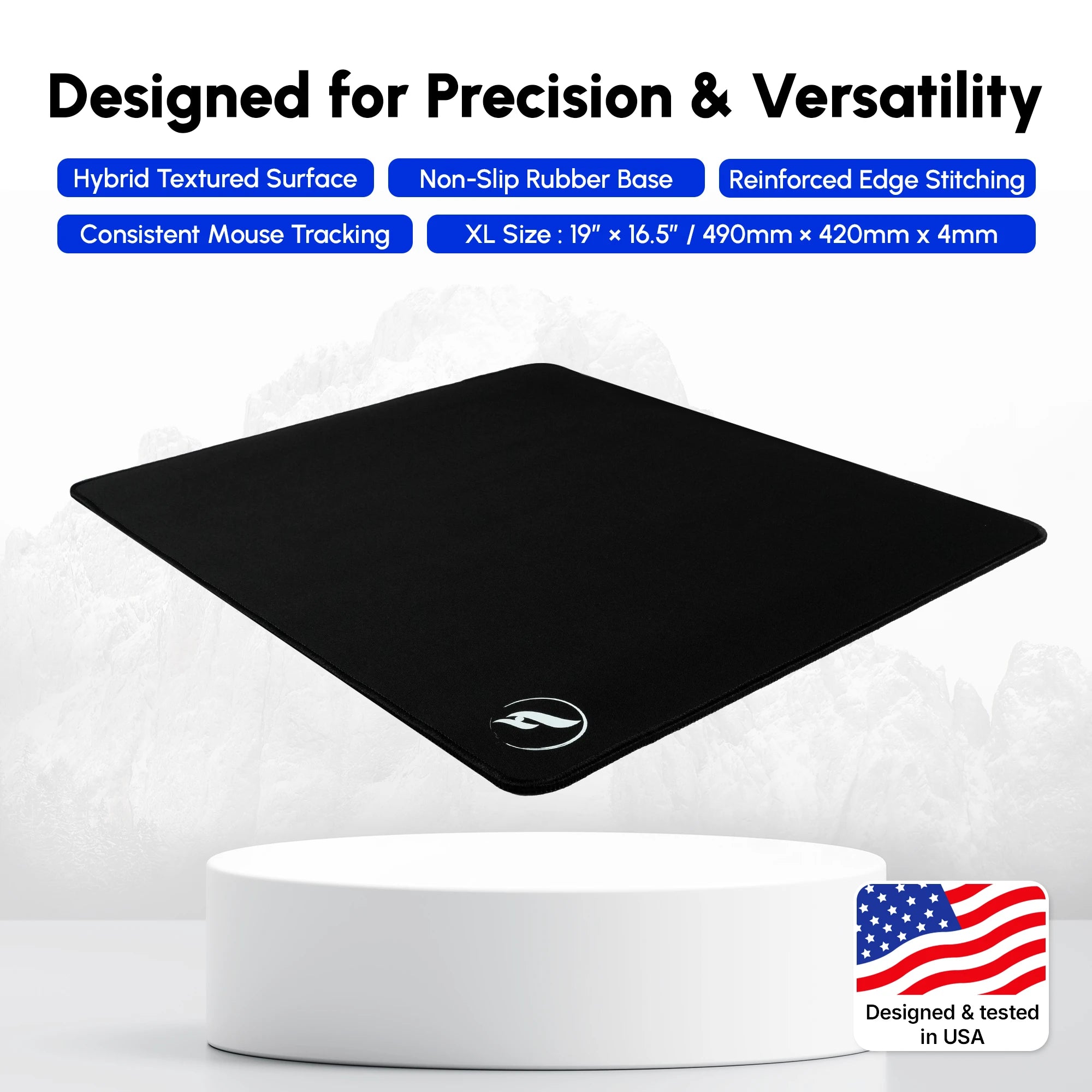
Not every overshoot calls for the most resistance. Some players want easier initial movement for transfers and recentering while keeping a controlled finish. The Andromeda Pro XL is the smoother comparison: its hybrid cloth surface balances glide and stopping power, while its hexagonal polyurethane base is designed for stable traction. The XL is listed at 490 × 420 × 4 mm and has reinforced stitched edges.
Fix 5: test surface feel only after your baseline is stable. Use the same DPI, sensitivity, drill, and mouse feet while comparing surfaces. Eclipse is the more control-forward option for a final-millimeter issue; Andromeda Pro XL is the hybrid option when you value a smoother start as well. Neither surface guarantees better aim. Keep the pad clean and flat, clear cable drag and desk clutter, and confirm the selected variant’s price and availability on the live product page before ordering.
Fixes 6–7: Train and Diagnose the Pattern Before Changing Gear
Fix 6: train the stop, not only the flick. Begin below match speed. Make deliberate single-target movements, stop the crosshair on the target, then click. Next, alternate between two targets and make the return movement smaller. Finish with angle confirmations that begin near head height. These drills teach a settled finish rather than a pass-through click.
Fix 7: keep a short miss log. After a focused block, note what passed the target: a first flick, a small correction, a spray recovery, or only late-session attempts. The table turns that observation into one next step. Change only the factor named in that step, then retest the same task.
| Observed pattern | Test first | One controlled next step |
|---|---|---|
| Small corrections pass the target | Grip pressure and deceleration | Use stop-then-click repetitions; compare a more controlled surface only after a stable baseline. |
| First flick starts far from the opponent | Crosshair placement | Rehearse the route at head height and clear one angle at a time. |
| Overshoots begin after setting changes | Sensitivity consistency | Return to one recorded DPI/sensitivity pair for several comparable sessions. |
| Aim becomes erratic late in a session | Tension and attention | Pause, relax the hand, and resume slower deliberate reps. |
A Simple Pre-Match Routine for More Consistent Aim
Spend five to ten focused minutes checking the same basics before competitive play. First, make sure the pad lies flat and the mouse path is clear. Then complete a small set of stopped single targets, two-target transfers, and head-level angle confirmations. End with a few calm engagements in practice, treating them as information rather than permission to tune mid-session.
If targets keep running long, lower the pace first. Recheck pre-aim, release excess tension, and look for a pattern across several rounds. Only then consider a small sensitivity adjustment or surface comparison. For wider surface context, start with Odin’s CS2 mousepad guide; to isolate the numbers, use the CS2 sensitivity and eDPI guide. Repeatable stops come from repeatable inputs.
Shop the Gear Mentioned in This Article
Odin Gaming
Give Your CS2 Stops a More Deliberate Surface
Compare control and hybrid cloth mousepads to find the glide and stopping feel that suits your measured practice.
Shop CS2 Mousepads★★★★★ Rated 4.9/5 by 800+ customers · Free Shipping · 30-Day Returns