

How to Clean Your Gaming Mousepad Without Ruining the Glide
Quick Answer
To clean a gaming mousepad: fill a basin with lukewarm water, add a few drops of dish soap, submerge the pad and gently scrub with a microfiber cloth in circular motions, rinse thoroughly, and air dry flat for 12-24 hours. Never use hot water, bleach, or a washing machine — these destroy the surface coating.
Your gaming mousepad is one of the most-touched surfaces in your entire setup, yet it is also one of the most neglected when it comes to maintenance. Over weeks and months of use, dead skin cells, sweat, hand oils, dust, and food particles accumulate on the surface. This buildup creates inconsistent "muddy" spots that increase friction, ruin your glide, and destroy the muscle memory you have built up on a clean surface. Here is the definitive guide to cleaning your mousepad safely and effectively.
How Often Should You Clean Your Mousepad?
For most gamers who play daily, a light surface wipe-down once a week and a full deep clean once a month is the ideal maintenance schedule. If you eat or drink at your desk, or if you game in a humid environment, you may need to clean more frequently. The telltale signs that your pad needs cleaning are increased friction in specific areas, visible discoloration or staining, and a noticeable change in glide consistency compared to when the pad was new.
What You Will Need
For a full deep clean, you will need a bathtub or large sink, warm (not hot) water, a small amount of mild dish soap or baby shampoo, a soft microfiber cloth or very soft sponge, and a clean dry towel. Do not use rough brushes, abrasive sponges, or harsh chemical cleaners — these will damage the surface fibers and permanently alter the glide characteristics of your pad.
The Deep Clean Process

Step 1 — Soak: Submerge the mousepad in warm water. The water should be warm to the touch but not hot. Hot water can soften the adhesive that bonds the surface material to the rubber or foam base, causing delamination — the surface peeling away from the base. This is irreversible damage, so always use warm, not hot, water.
Step 2 — Apply Soap: Apply a small amount of mild dish soap or baby shampoo to the surface. A few drops are sufficient — you do not need to saturate the pad with soap. Using your soft microfiber cloth or sponge, gently rub the surface in slow, circular motions. Work from the center outward, covering the entire surface. Pay extra attention to areas that look discolored or feel stickier than the rest of the pad.
Step 3 — Rinse Thoroughly: This is the most important step. Rinse the pad under running warm water until the water running off the pad is completely clear and there are no soap bubbles remaining. Soap residue left on the surface will dry into a film that increases friction and can make the pad feel sticky. Take your time with this step — it typically takes 2–3 minutes of thorough rinsing to remove all the soap.
Step 4 — Pat Dry: Lay the pad flat on a clean dry towel and gently press down to absorb as much water as possible. Do not wring or twist the pad — this can distort the shape of the base material, causing the pad to curl or develop uneven spots when dry.
Step 5 — Air Dry: Lay the pad flat on a clean, dry surface and allow it to air dry completely. This typically takes 24–48 hours depending on the thickness of the pad and the humidity of your environment. Do not put the pad in a clothes dryer or use a hairdryer to speed up the process — heat can damage the base material and cause the pad to warp.
Weekly Maintenance: The Quick Wipe-Down
Between deep cleans, a quick weekly wipe-down will significantly extend the time before a full wash is needed. Simply take a clean, slightly damp microfiber cloth and wipe the entire surface in one direction — not in circles, but in straight, parallel strokes from one end of the pad to the other. This removes surface dust and oils without saturating the pad. Follow with a dry cloth to remove any remaining moisture.
Special Considerations for Different Surface Types
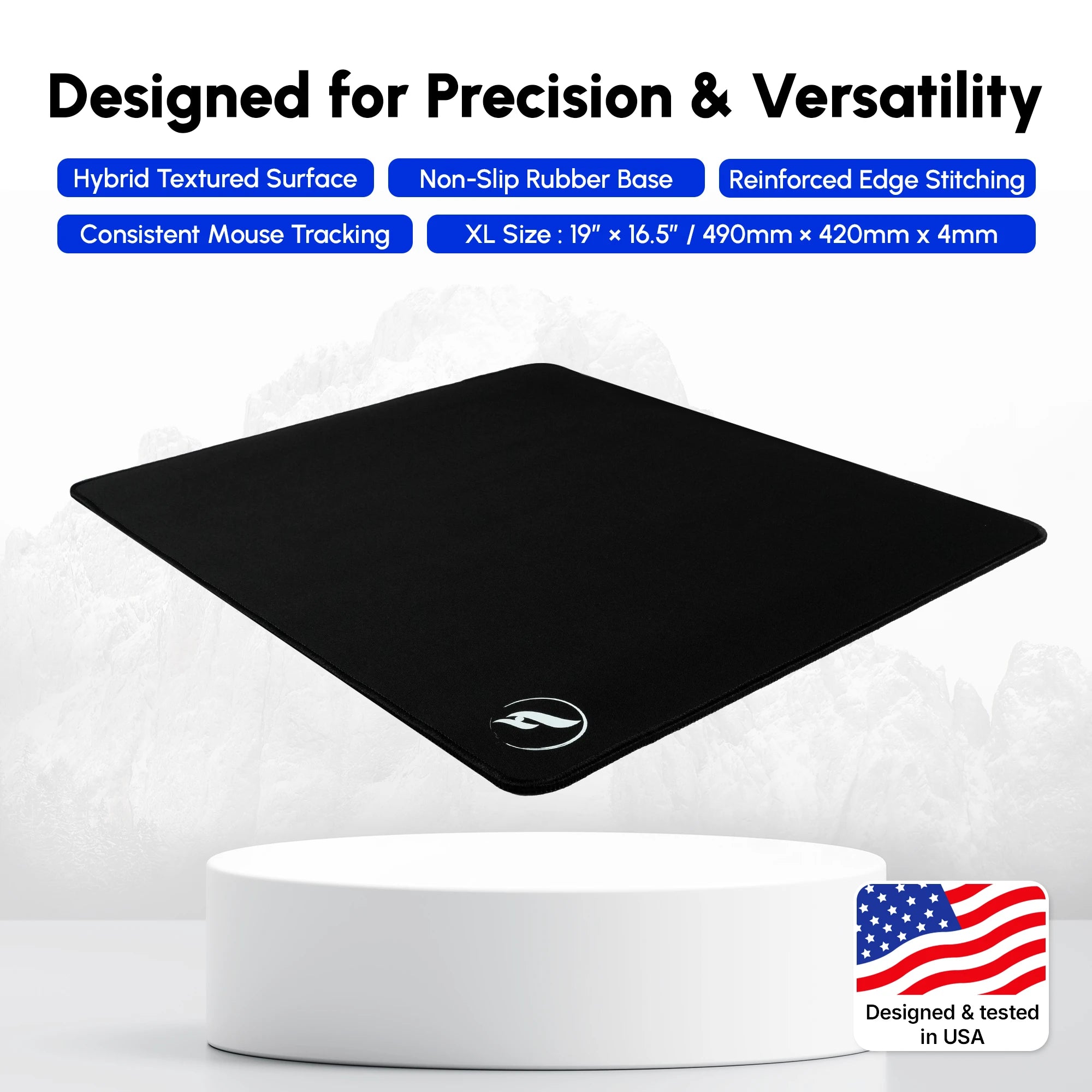
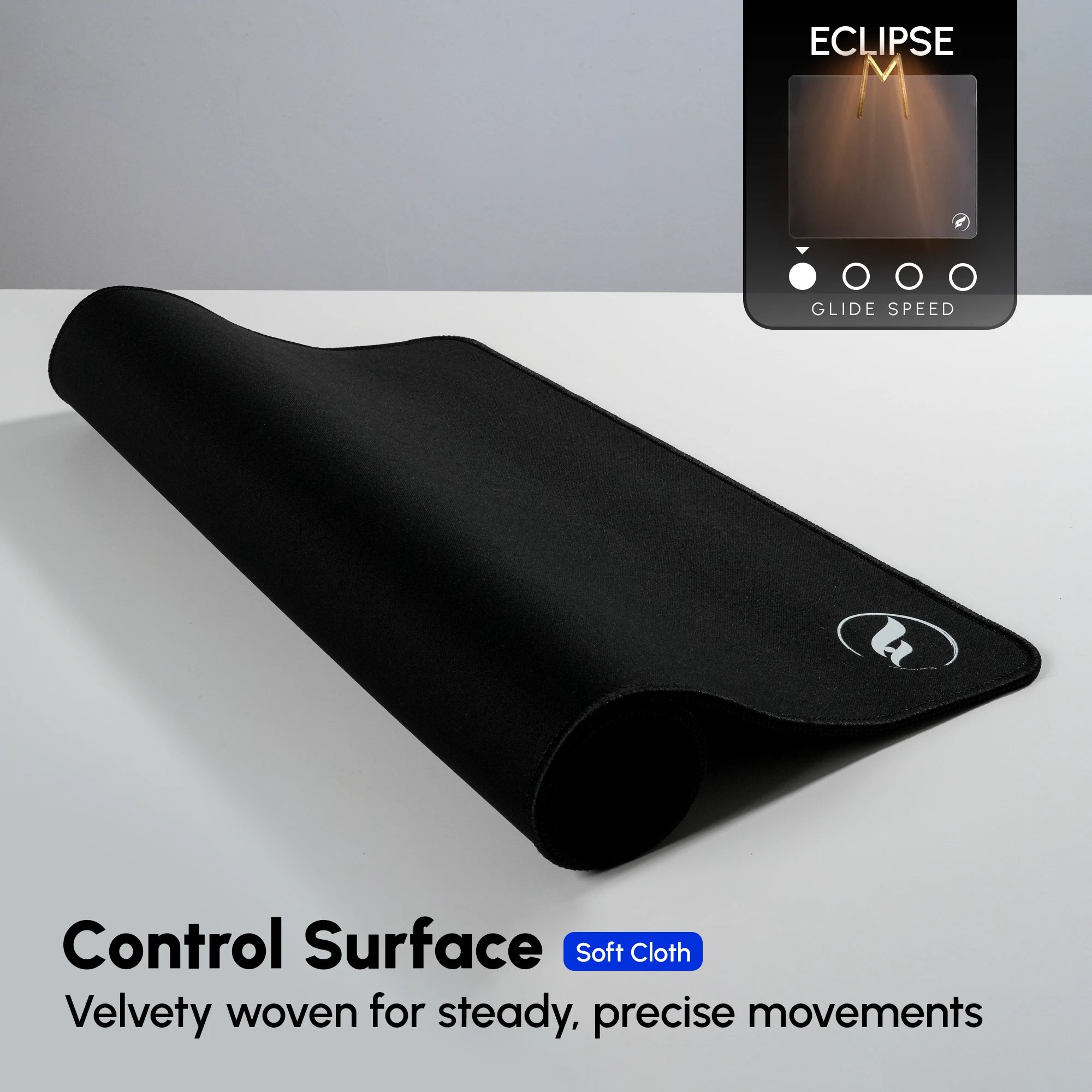
Speed surfaces, like the ZeroGravity series, are the most sensitive to cleaning. Their tightly woven fibers can be permanently altered by rough scrubbing. Always use the gentlest possible touch on speed pads. Control surfaces, like the Eclipse XL, are more forgiving due to their coarser texture, but still benefit from gentle handling. Hybrid surfaces, like the Infinity V2 and Andromeda series, fall in between — treat them with the same care as a speed pad.
For pads with a Poron foam base, such as the Andromeda Pro XL, the base is more water-resistant than standard rubber, but the same drying precautions apply. Ensure the pad is completely dry before placing it back on your desk, as a damp Poron base can develop mold in humid environments.
What to Avoid
Never use bleach, alcohol-based cleaners, or any solvent on your mousepad — these will strip the surface treatment and permanently damage the glide characteristics. Never put your mousepad in the washing machine — the agitation cycle is far too aggressive and will destroy the surface fibers. Never use a rough brush or abrasive scrubber — even a single aggressive scrub can leave permanent marks on a speed or hybrid surface that alter the glide in that area.
When to Replace Your Mousepad
Even with perfect maintenance, mousepads have a finite lifespan. The surface fibers gradually wear down with use, and eventually the glide characteristics will change beyond what cleaning can restore. Signs that it is time to replace your pad include permanent discoloration that does not wash out, visible surface wear or bald spots, and a glide that feels noticeably different from when the pad was new even after a thorough clean. For most gamers who play daily, a quality mousepad will last 1–2 years before needing replacement.