

How to Choose a Gaming Mousepad: The Only Buying Guide You Need in 2026
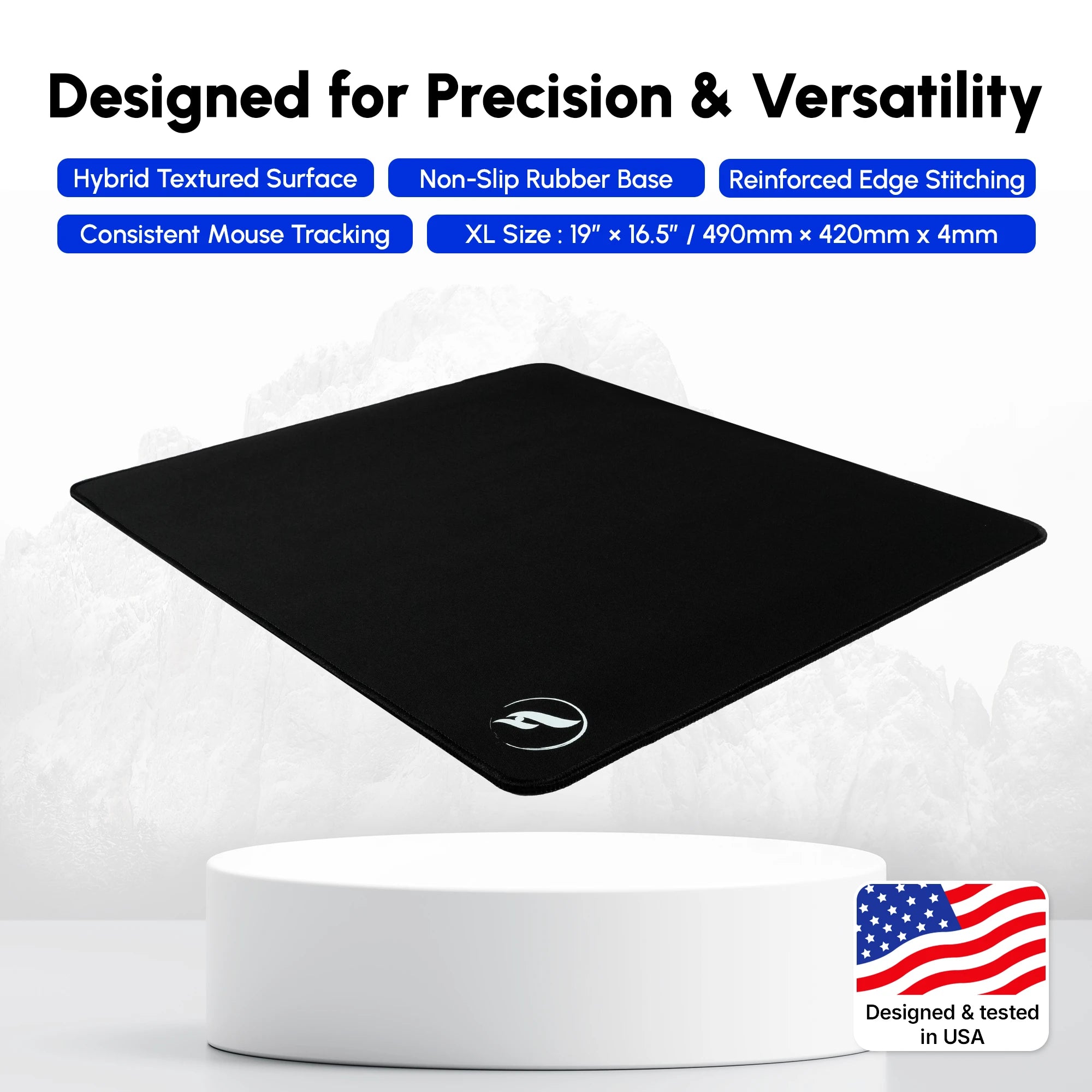
Quick Answer: Choosing the right gaming mousepad comes down to balancing three core pillars: surface friction (speed, control, or hybrid), size (desk coverage vs standard space), and base stability (such as premium Poron vs standard rubber). For an all-around competitive edge in FPS titles like CS2 and Valorant, a premium hybrid pad like the Infinity V2 or Andromeda delivers the perfect blend of initial friction and smooth glide.
Your mouse sensor, mechanical switches, and high-refresh-rate monitor get plenty of attention, but your gaming mousepad is arguably the most critical physical interface between your hand and your digital environment. Every flick shot, micro-adjustment, and tracking sequence relies entirely on the frictional coefficient of the textile beneath your mouse feet. If your surface is inconsistent, muddy, or worn down, your mechanical aim suffers—no matter how elite your hardware is.
With thousands of options flooding the market in 2026, selecting the right pad can feel overwhelming. Do you need a lightning-fast speed surface for tracking tracking-heavy titles, or a locked-in control pad for tactical shooters? Should you splurge on an XL desk mat, or stick to standard sizing? This comprehensive buyer's guide breaks down every single decision factor so you can upgrade your setup with absolute confidence.
1. Surface Types: Speed, Control, and Hybrid Explained
The single most important choice you will make is the surface texture. Mousepads generally fall into three distinct categories, each engineered for specific playstyles and game genres.
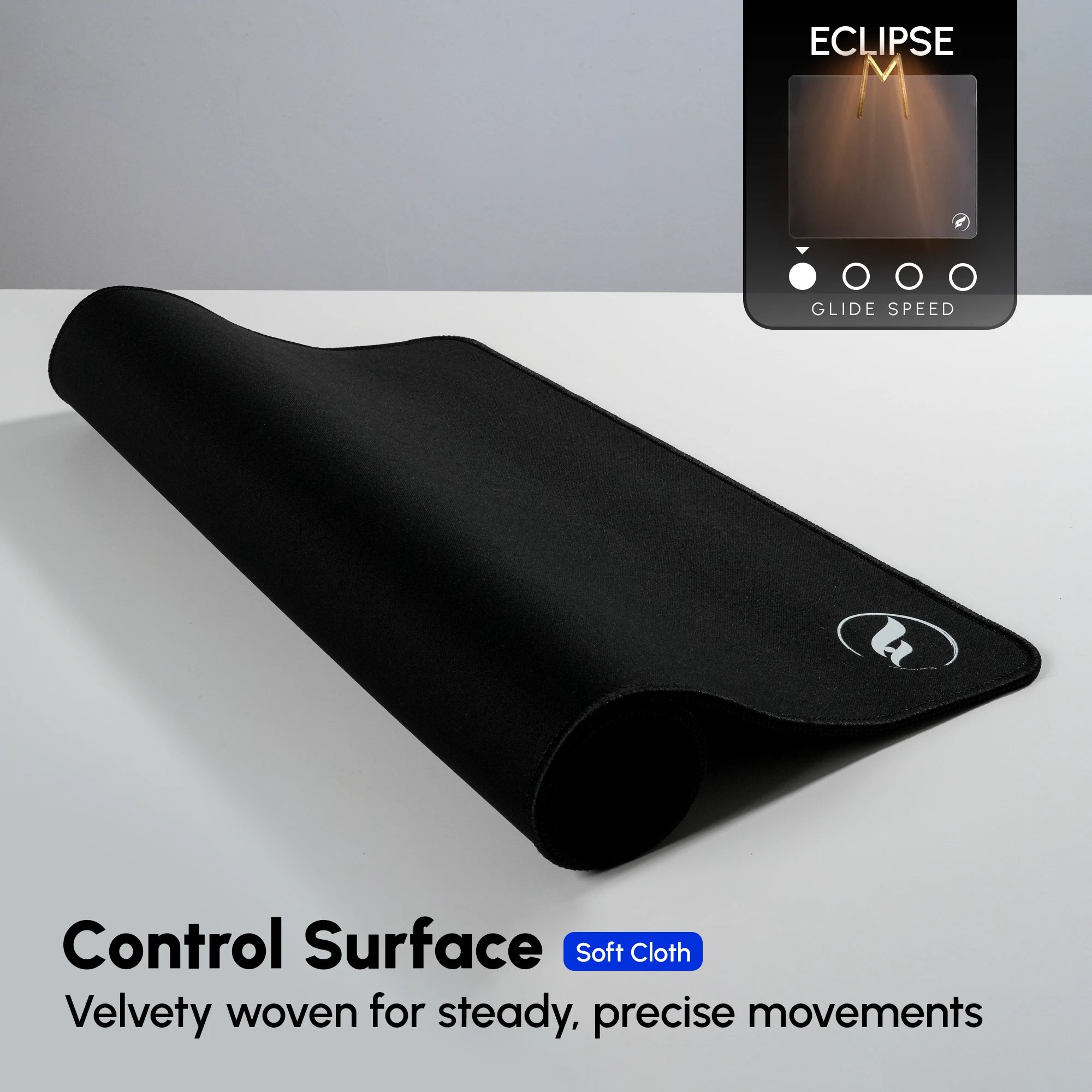
Control Surfaces: These pads feature a textured, high-friction weave designed to provide significant stopping power. When you pull your mouse to a halt, the physical resistance helps lock your crosshair onto target. They are favored by tactical FPS players who prioritize precise initial friction over effortless glide.
Speed Surfaces: Engineered with ultra-smooth, low-friction weaves (such as the ZeroGravity), speed pads allow your mouse to glide effortlessly across the grain. These are ideal for tracking-heavy games like Apex Legends and Overwatch 2, where minimal wrist fatigue and rapid target acquisition matter most. For a deeper breakdown of how texture impacts your gameplay, check out our guide on Speed vs Control Mousepads: Which Type is Right for Your Playstyle?.
Hybrid Surfaces: The ultimate middle ground. Hybrid pads combine the low initial friction of a speed pad with the stopping control of a textured weave. This versatility makes them the top choice for competitive players who play a wide variety of titles. If you want to understand the material science behind these innovations, read What is a Hybrid Mousepad? The Science Behind the Ultimate Middle Ground.
2. Sizing Guide: Why XL and Extended Pads Dominate in 2026
Gone are the days of tiny stamp-sized mousepads that restrict your arm movement. Modern competitive gaming demands low sensitivity settings, which require massive physical sweep room. Whether you are executing a 180-degree turn or stabilizing your crosshair during a recoil spray, running out of mousepad space is a fatal error.
Standard XL pads offer ample room for both your keyboard and extensive mouse movement, while 2XL and 3XL desk mats cover your entire desktop setup. To determine which footprint fits your layout and playstyle, explore The Ultimate Desk Pad Size Guide: XL vs 2XL vs 3XL and learn Why XL Gaming Mousepads Are Worth It.
3. Thickness Matters: 3mm vs 4mm Performance
Mousepad thickness is often overlooked, yet it profoundly affects how your wrist and palm interact with the desk. A thinner 3mm pad offers a firmer, more direct feel against the desktop surface, ensuring consistent feedback. Conversely, a 4mm or thicker pad provides additional cushion, absorbing uneven desk imperfections and offering a plush feel for gamers who apply downward pressure.
To dive deeper into the ergonomic and performance differences, read our detailed analysis on 3mm vs 4mm Mousepad Thickness: Does It Actually Matter?.
4. Base Material & Edge Stitching: Durability and Stability
A high-performing surface is useless if your mousepad slides across the desk during an intense clutch. Standard rubber bases provide adequate grip, but premium polyurethane or cellular bases offer superior desk adhesion. For an exhaustive comparison, check out Poron vs Rubber Base Mousepads: Is the Premium Base Worth the Upgrade?.
Additionally, edge construction dictates longevity. Fraying edges ruin the aesthetic and cause abrasive friction against your forearm. Low-profile, flush Stitched Edge vs Unstitched Mousepads reviews show that tight, subsurface stitching prevents fraying without irritating your wrist during fast sweeps.
Feature Comparison: Odin Gaming Mousepad Lineup
| Model | Surface Type | Glide Characteristics | Sizes Available | Best For |
|---|---|---|---|---|
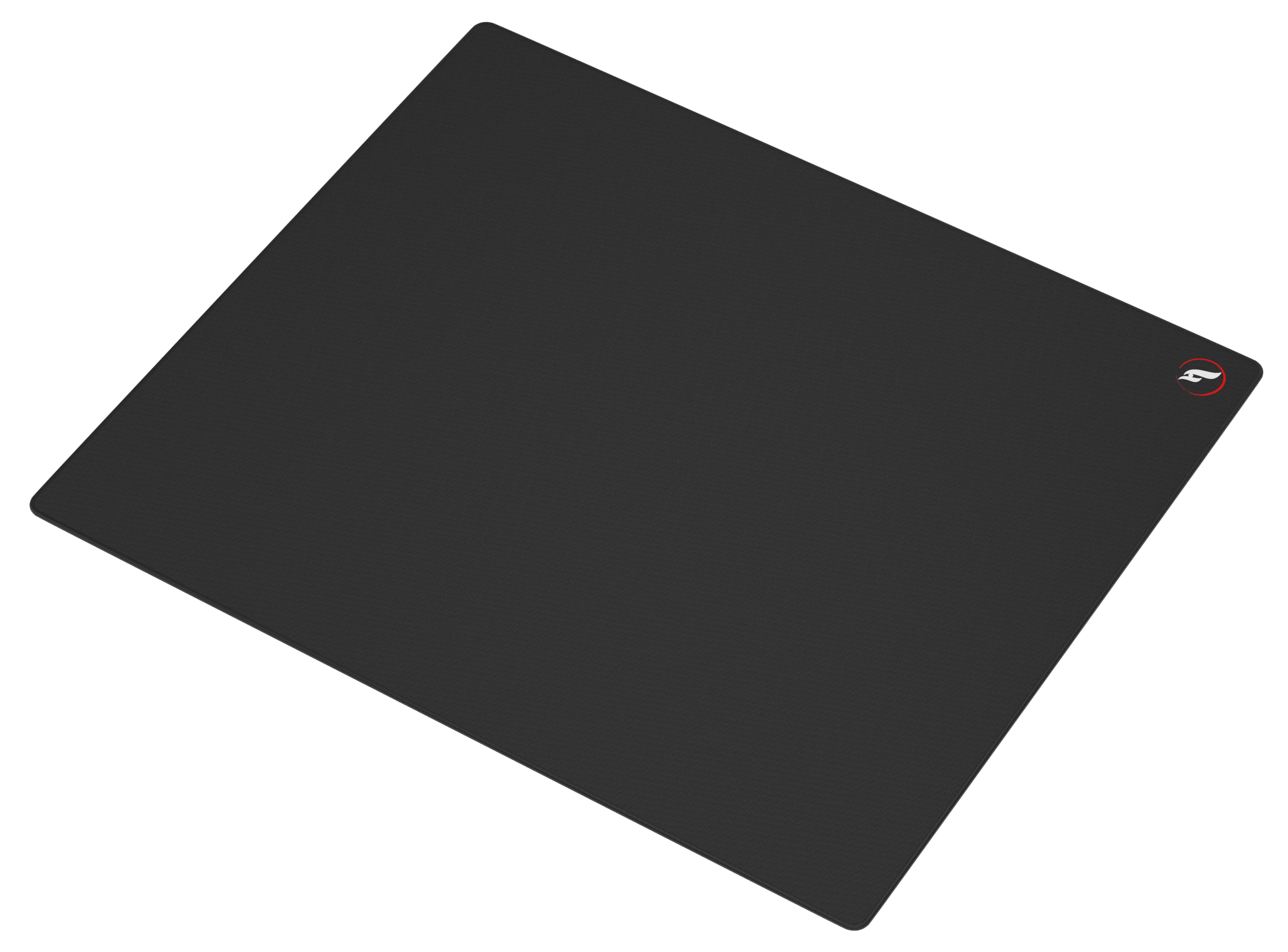
| Andromeda | Flagship Hybrid | Balanced Glide & Stopping Power | XL | All-around competitive FPS & tactical shooters |
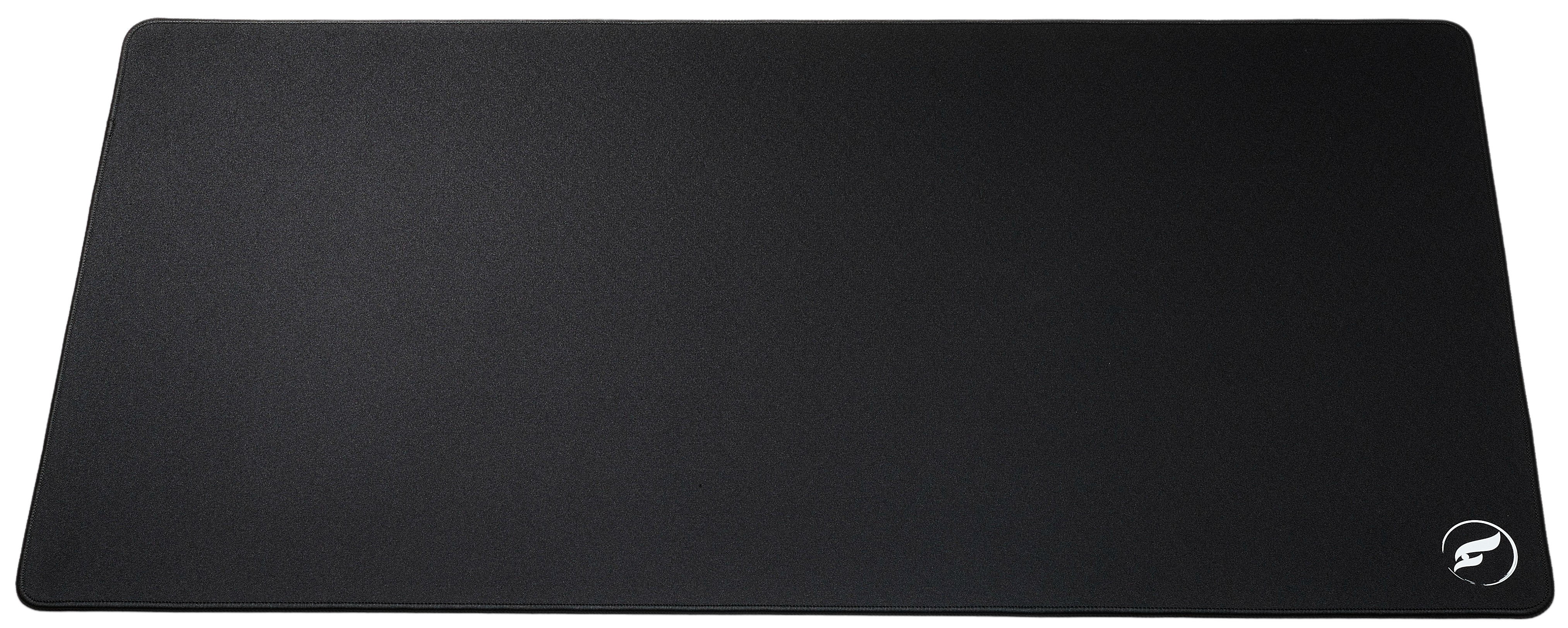
| Infinity V2 | Premium Hybrid | Ultra-smooth, Consistent Friction | XL, 2XL | Pro-level precision and versatile game genres |
| ZeroGravity | Speed Surface | Lightning-fast Glide | XL, 2XL, 3XL | Tracking-heavy games & low-sensitivity players |
5. Product Recommendations: Finding Your Perfect Match
To translate the four decisions above into a specific purchase: if you want a balanced hybrid that suits nearly every genre, buy the Andromeda XL at $33.99. If you would rather test two surfaces before committing to a preference, the dual-sided Infinity v2 XL at $38.99 gives you a speed side and a control side on one pad. If you already know you need maximum stopping power for tactical shooters, choose the Eclipse XL at $37.99, and if you play at low sensitivity with sweeping arm motion, the ZeroGravity XL at $24.99 is the fastest surface in the lineup. Players who need the pad to cover keyboard and mouse together should size up to the ZeroGravity 2XL or the Infinity V2 2XL.
Choosing the right mousepad ultimately means matching your hardware to your primary game genre. If you play tactical shooters like CS2 or Valorant, you need absolute stopping precision—making our flagship hybrid surfaces essential upgrades. Explore what top competitors use in The Best Mousepads for CS2 in 2026 and The Best Mousepads for Valorant in 2026.
For an elite, zero-compromise hybrid surface that rivals high-end imports without the markup, check out the Infinity V2. If your playstyle demands effortless speed and maximum sweeping area for tracking, the ZeroGravity speed surface is engineered to dominate.
Shop the Gear in This Article
| Product | Surface | Price | Best For |
|---|---|---|---|
| ZeroGravity — Speed Surface Gaming Mousepad • XL | Speed | $24.99 | Low-sens arm aimers and tracking-heavy games |
| ZeroGravity — Speed Surface Gaming Mousepad • 2XL | Speed | $44.99 | Extended speed coverage for keyboard and mouse together |
| Infinity v2 — Hybrid Surface Gaming Mousepad • XL | Hybrid | $38.99 | Dual-sided hybrid: try both surfaces without buying twice |
| Infinity V2 — Hybrid Surface Gaming Mousepad • 2XL | Hybrid | $55.99 | Extended dual-sided hybrid for full desk coverage |
| Andromeda — Hybrid Surface Gaming Mousepad • XL | Hybrid | $33.99 | Flagship balanced hybrid for competitive FPS |
| Andromeda Pro — Hybrid Surface Gaming Mousepad • XL | Hybrid | $55.99 | Premium 4mm hybrid with polyurethane hex base |
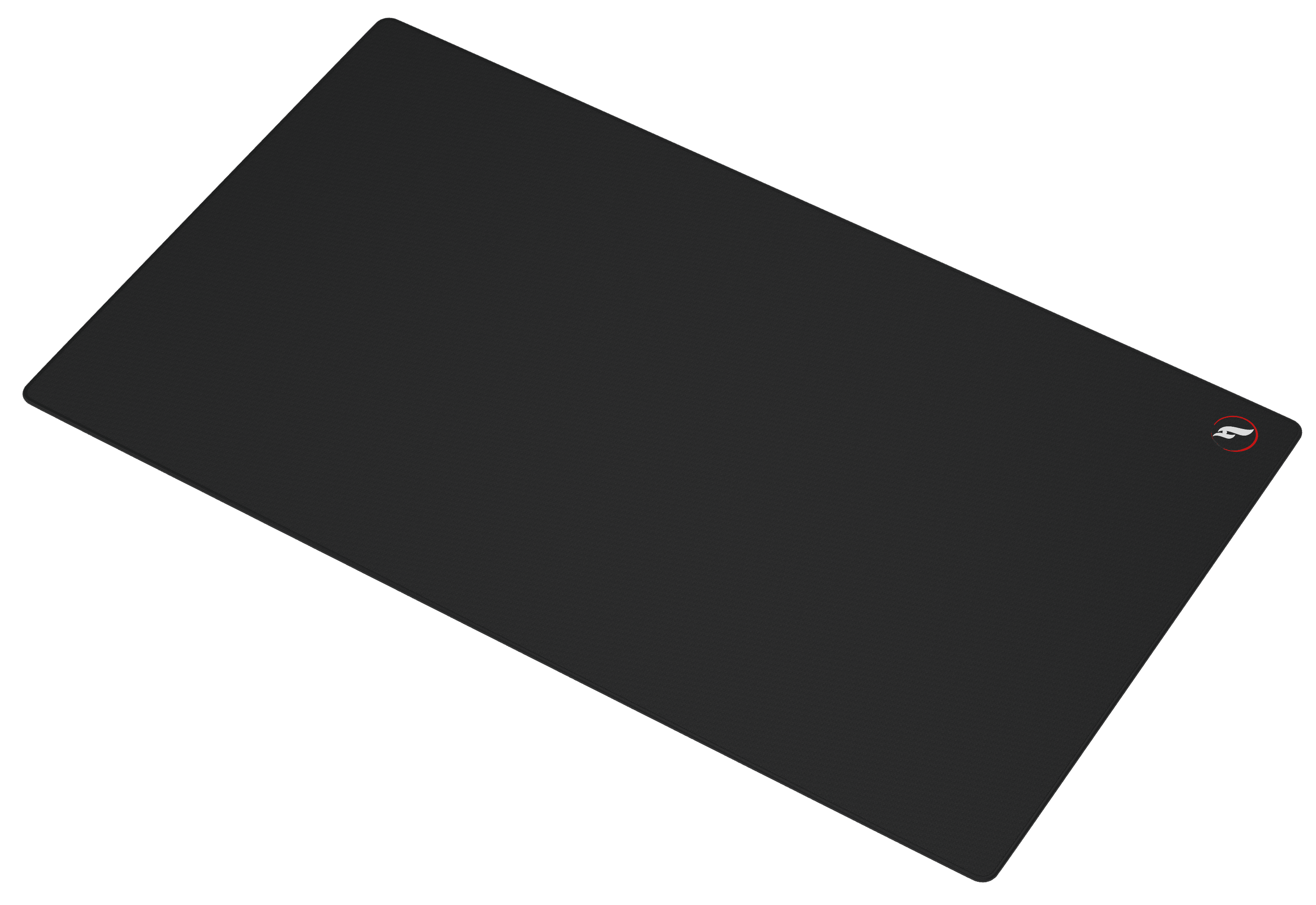
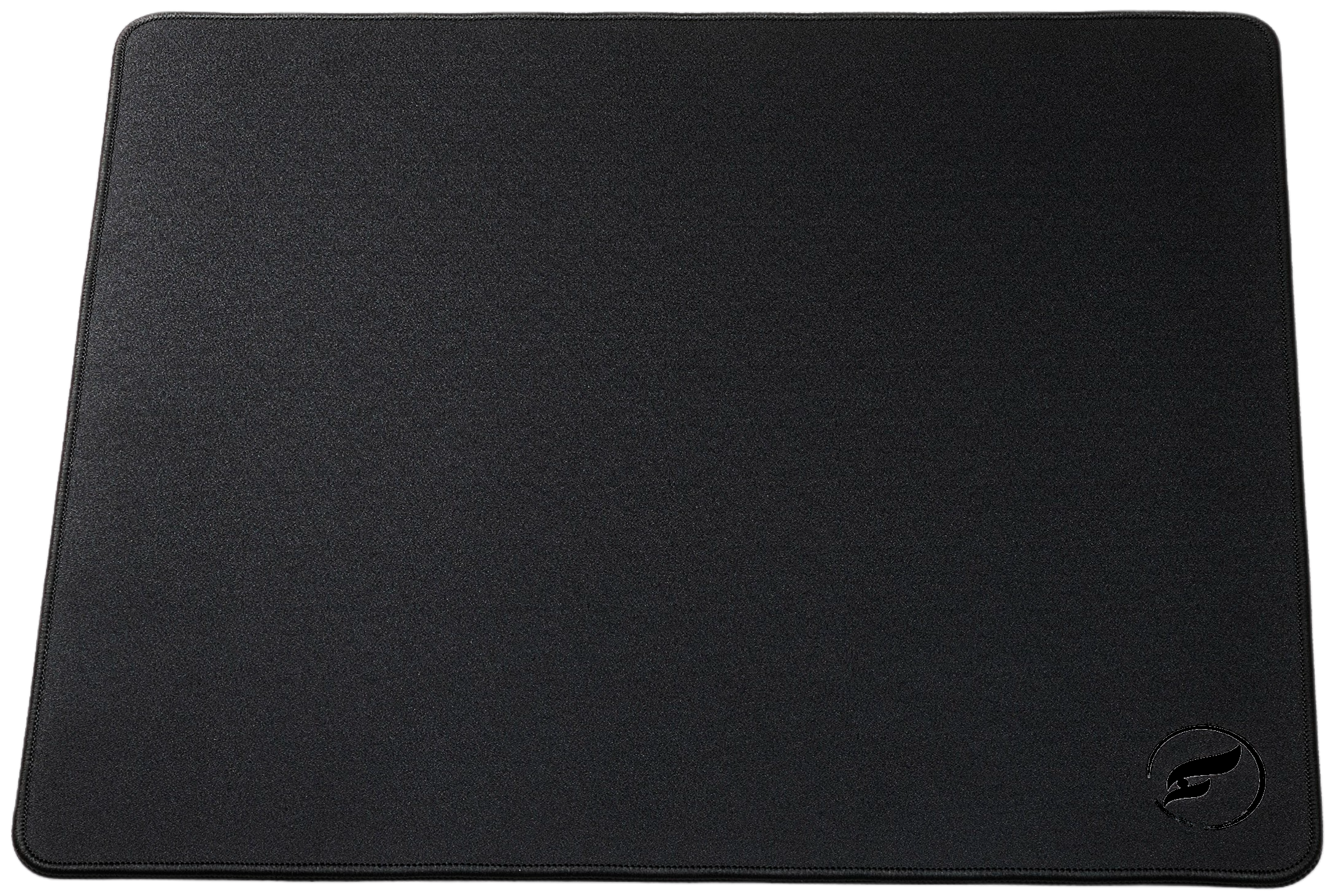
| Eclipse XL — Control Surface Gaming Mousepad • XL | Control | $37.99 | Maximum stopping power for tactical shooters |
If you are still undecided after all four decisions, the Infinity v2 XL is the lowest-risk starting point because its dual-sided design lets you test a speed surface and a control surface on the same pad. Browse the full lineup in the Odin Gaming mousepad collection, or narrow it down by surface family: ZeroGravity Speed, Infinity Hybrid, and Andromeda Hybrid.
Frequently Asked Questions
What is the difference between a speed mousepad and a control mousepad?
Speed mousepads use ultra-smooth weaves to minimize friction, allowing for rapid mouse movement and effortless tracking. Control mousepads feature textured, higher-friction surfaces that provide greater stopping power, helping you lock onto targets in tactical shooters.
Are hybrid mousepads good for competitive gaming?
Yes. Hybrid mousepads offer the ideal middle ground by combining low initial friction for fast movements with reliable stopping power, making them exceptionally versatile for all game genres.
How do I clean my gaming mousepad without ruining the glide?
Wash your mousepad gently using lukewarm water and mild dish soap with a soft microfiber cloth or sponge. Rinse thoroughly and let it air dry completely flat before using it again. For step-by-step instructions, read our guide on How to Clean Your Gaming Mousepad Without Ruining the Glide.
What mousepad size should I buy for low-sensitivity gaming?
Low-sensitivity gamers require large arm sweeps, making an XL or 2XL extended mousepad essential to prevent running out of surface area during intense matches. Learn more in our Desk Pad Size Guide.
Do stitched edges matter on a gaming mousepad?
Stitched edges prevent the fabric layers from fraying over time, significantly extending the lifespan of your mousepad while providing a clean aesthetic finish.
Conclusion
Your gaming setup is only as strong as its foundation. Choosing the right mousepad transforms inconsistent flick shots and erratic tracking into seamless, repeatable muscle memory. Whether you need the balanced precision of the Infinity V2 hybrid or the blistering speed of the ZeroGravity, investing in professional-grade gear is the definitive step toward elevating your competitive performance. Explore the full collection at Odin Gaming Mousepads and secure your competitive edge today.