

Best Mousepad for Mouse Grip Style: Which Surface Is Right for Palm, Claw, and Fingertip?
Quick Answer: Your mouse grip style dictates your friction and glide requirements. Palm grip players benefit from the balanced control of the Andromeda or Infinity V2 hybrid mousepads for micro-adjustments. Claw grip users can utilize either control or hybrid surfaces depending on sensitivity. Fingertip grip players rely on lightning-fast micro-movements, making the ultra-fast ZeroGravity speed surface the optimal choice.
When you invest in a top-tier gaming mouse with flagship switches and a flawless 8K polling sensor, your hardware is only as good as the surface it rests upon. Yet, thousands of competitive gamers overlook the single most critical hardware synergy: mouse grip style. Whether you lock your entire hand onto the mouse in a relaxed palm hold, arch your fingers into a razor-sharp claw, or float your hand above the chassis with a fingertip grip, your biomechanics completely alter how friction, stopping power, and glide interact with your mouse feet.
If you pair a high-speed glass or slick cloth surface with a heavy palm grip, you might find your tracking lacking stability. Conversely, if you force a fingertip grip onto a muddy control pad, your rapid micro-adjustments will feel sluggish and fatiguing. Understanding how your hand geometry interacts with your gear is the secret to unlocking consistent aim in tactical shooters like CS2 and Valorant. In this comprehensive guide, we break down exactly how palm, claw, and fingertip grips demand specific surface textures, and how Odin Gaming's engineered lineup—including the Andromeda, Infinity V2, and ZeroGravity—supercharges your specific playstyle.
The Physics of Mouse Grip Styles and Surface Friction
To understand why the best mousepad for mouse grip style matters, you must examine how pressure is distributed across your mouse feet. Different grips exert vastly different downward forces and leverage points against the pad. A palm grip distributes hand weight evenly across a large contact area, creating higher baseline friction that requires a responsive surface to overcome initial static inertia. Meanwhile, fingertip grippers apply localized downward pressure primarily through their fingertips, demanding ultra-low initial friction for instant, twitch-based tracking.
Surface texture, weave density, and base firmness all influence how your mouse glides. For instance, players transitioning from standard desk surfaces to premium hybrid pads often notice an immediate improvement in consistency because hybrid weaves strike a calculated balance between static and dynamic friction. If you want to dive deeper into the technical science behind modern surfaces, read our breakdown on What is a Hybrid Mousepad? The Science Behind the Ultimate Middle Ground. Furthermore, your choice of mousepad must complement your sensitivity; players running ultra-low DPI benefit immensely from expansive surface real estate, as detailed in our Best Mousepad for Low Sensitivity Gaming: The Complete 2026 Guide.
Palm Grip: Stability, Tracking, and Hybrid Control
Palm grip is all about maximum contact surface area. Your entire palm rests flat against the hump of the mouse, while your fingers drape over the primary buttons. Because your arm and wrist anchor the movement, palm grip players typically rely on smooth, sweeping tracking motions, arm-aiming, and steady horizontal pans. This style is exceptionally popular in battle royale and hero shooter titles like Apex Legends and Overwatch 2, where smooth tracking tracking outweighs rapid vertical flicks.
For palm grippers, the primary enemy is erratic cursor wobble and inconsistent stopping power. You need a pad that offers a predictable glide with structured stopping friction so your arm can halt instantly when tracking a moving target. This is where hybrid surfaces dominate. The Andromeda and Infinity V2 provide the ideal micro-texture for palm users, delivering buttery glide during fast sweeps while maintaining the stopping bite required for high-stakes clutch scenarios. To see how professional players balance glide and stopping power in tactical shooters, check out our guide on The Best Mousepads for CS2 in 2026: What the Pros Actually Use.
Claw Grip: Hybrid Versatility and Precision Stopping
Claw grip is the hybrid powerhouse of aiming styles. By arching your knuckles and resting only the base of your palm and your fingertips on the mouse, you combine the stability of arm tracking with the micro-adjustment freedom of finger flexion. Claw grippers excel in games requiring both rapid target acquisition and pixel-precise crosshair placement, making it the dominant grip style in tactical shooters like CS2 and Valorant.
Because claw grip users generate micro-adjustments through finger rotation, their surface requirements depend heavily on their in-game sensitivity. High-sensitivity claw players often prefer a balanced hybrid pad to prevent over-flicking, whereas low-sensitivity claw players can benefit from slightly faster glides. If you are refining your setup for competitive tactical shooters, our specialized analysis on The Best Mousepads for Valorant in 2026 highlights why surface consistency is non-negotiable for claw mains. For an all-around competitive edge, many claw players opt for our flagship Infinity V2, which bridges the gap between speed and stopping power effortlessly.
Fingertip Grip: Zero Resistance and Speed Dominance
Fingertip grip is the most agile and demanding mouse grip style. Your palm never touches the mouse; instead, the mouse floats freely in your hand, supported entirely by your fingertips. This unlocks unprecedented vertical and horizontal micro-movement speed using pure finger and wrist dexterity. However, it also means any surface drag or inconsistency is immediately magnified against your fingertips.
Fingertip grippers thrive on speed surfaces that minimize initial static friction, allowing instant reaction times without muscle strain. If you drag a fingertip grip across a muddy control pad, the high initial resistance will disrupt your flick trajectories. The ZeroGravity speed surface is custom-engineered for this exact playstyle, offering an effortless glide that lets fingertip players snap to targets with zero mechanical hindrance. To explore how ultra-fast surfaces perform under rigorous competitive pressure, read our deep dive into Speed Mousepads for Gaming: Why the ZeroGravity Dominates in 2026.
Comparison: Mouse Grip Styles vs. Odin Gaming Mousepads
| Mouse Grip Style | Primary Motion Mechanics | Friction & Surface Need | Recommended Odin Gaming Pad |
|---|---|---|---|
| Palm Grip | Arm sweeping, tracking, whole-hand contact | Balanced glide with reliable stopping power | Andromeda / Infinity V2 |
| Claw Grip | Knuckle arch, wrist flicks, finger adjustments | Versatile hybrid texture or controlled glide | Infinity V2 |
| Fingertip Grip | Pure finger isolation, twitch flicks, zero palm contact | Ultra-low static friction, maximum speed | ZeroGravity |
Optimizing Your Full Setup: Size, Thickness, and Base Materials
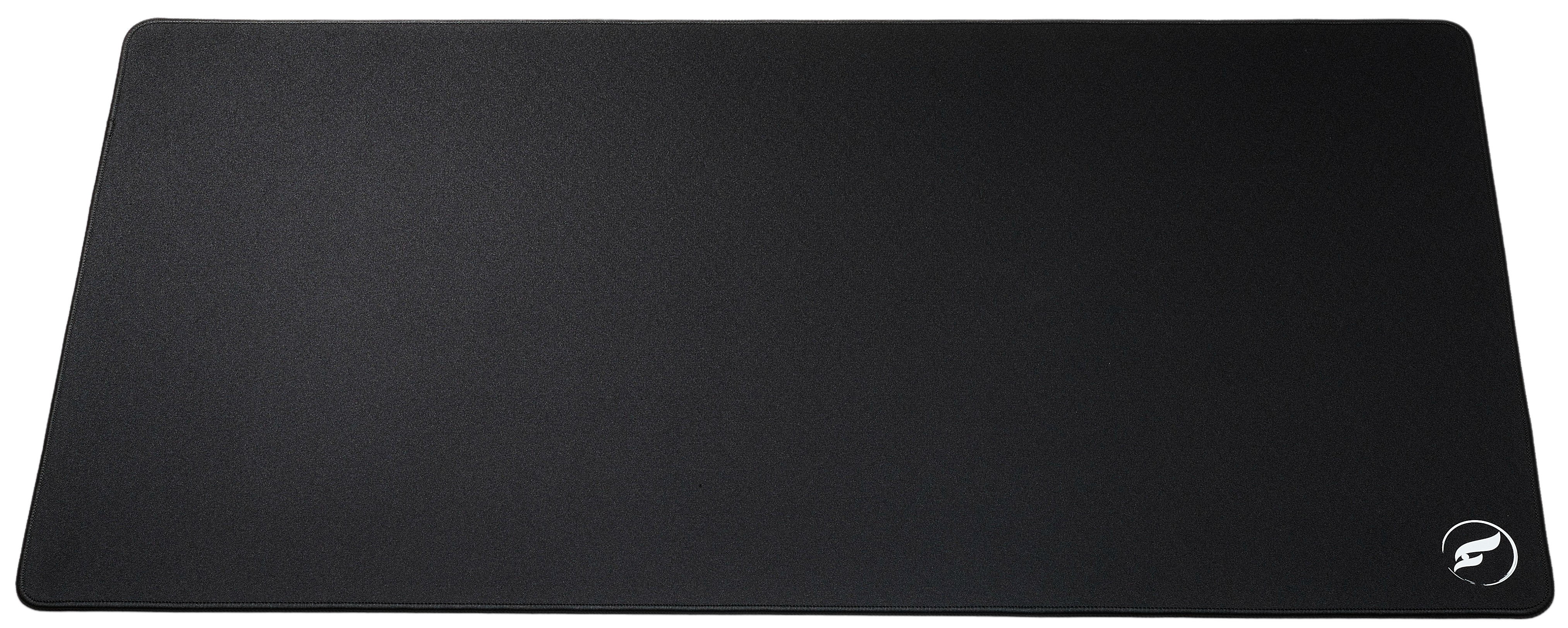
Matching your mousepad to your grip style is only half the battle; the physical dimensions and foundation of your pad dictate your operational freedom. Competitive gamers—especially palm and low-sensitivity claw users—frequently suffer from running out of desk space during wide turns. Upgrading to an extended format ensures your mouse never clips an unpadded desk edge during a clutch 180-degree turn. Discover why sizing matters in our guide on Why XL Gaming Mousepads Are Worth It (And Which Odin to Buy).
Furthermore, the internal construction of your mousepad impacts tactile feedback. A premium Poron or high-density rubber base prevents shifting during aggressive flick shots, while thickness variations (such as 3mm vs 4mm profiles) alter how your palm sinks into the surface. Learn more about structural foundations in our guides on Poron vs Rubber Base Mousepads: Is the Premium Base Worth the Upgrade? and 3mm vs 4mm Mousepad Thickness: Does It Actually Matter?.
Shop the Gear in This Article
| Product | Surface | Price | Best For |
|---|---|---|---|
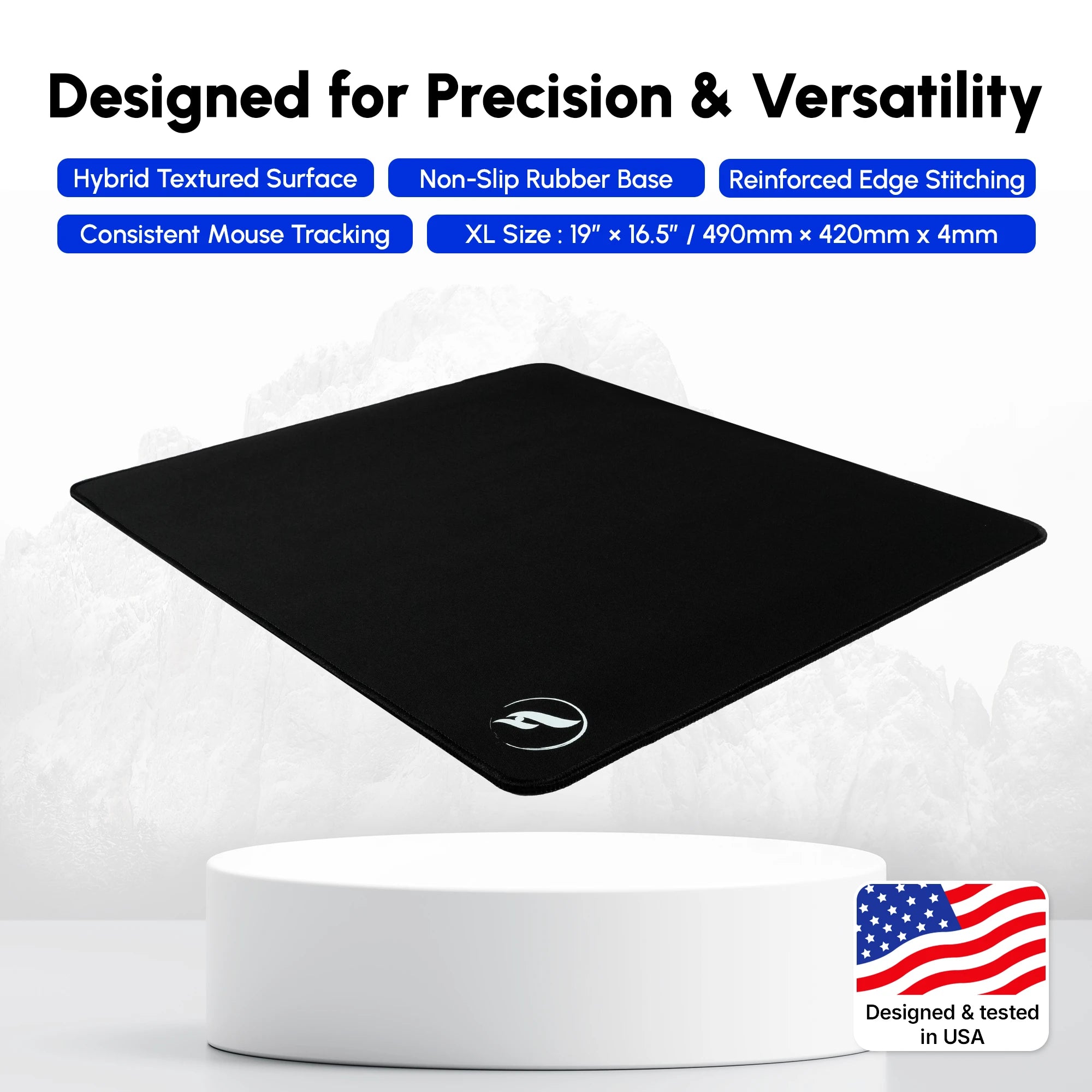
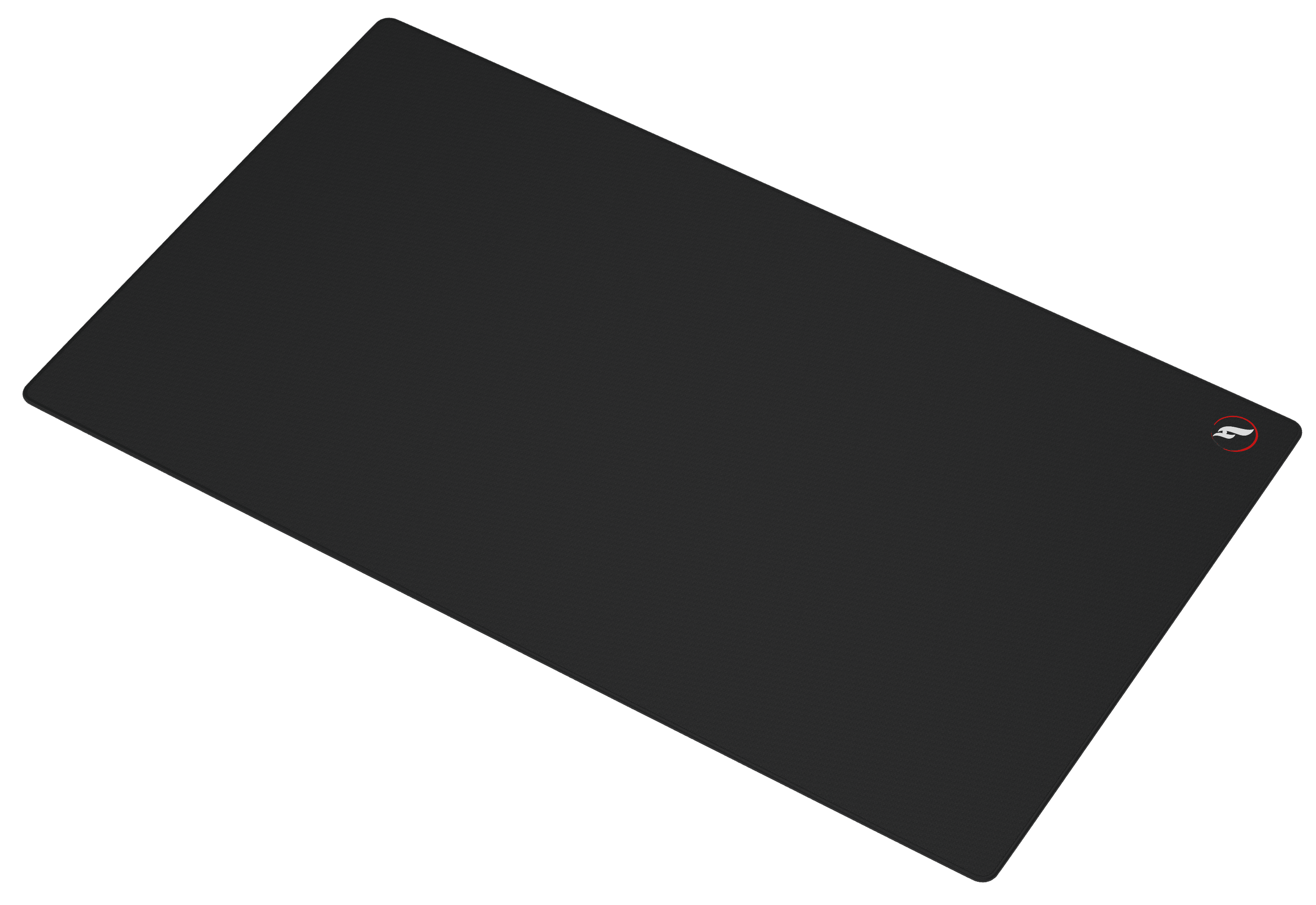
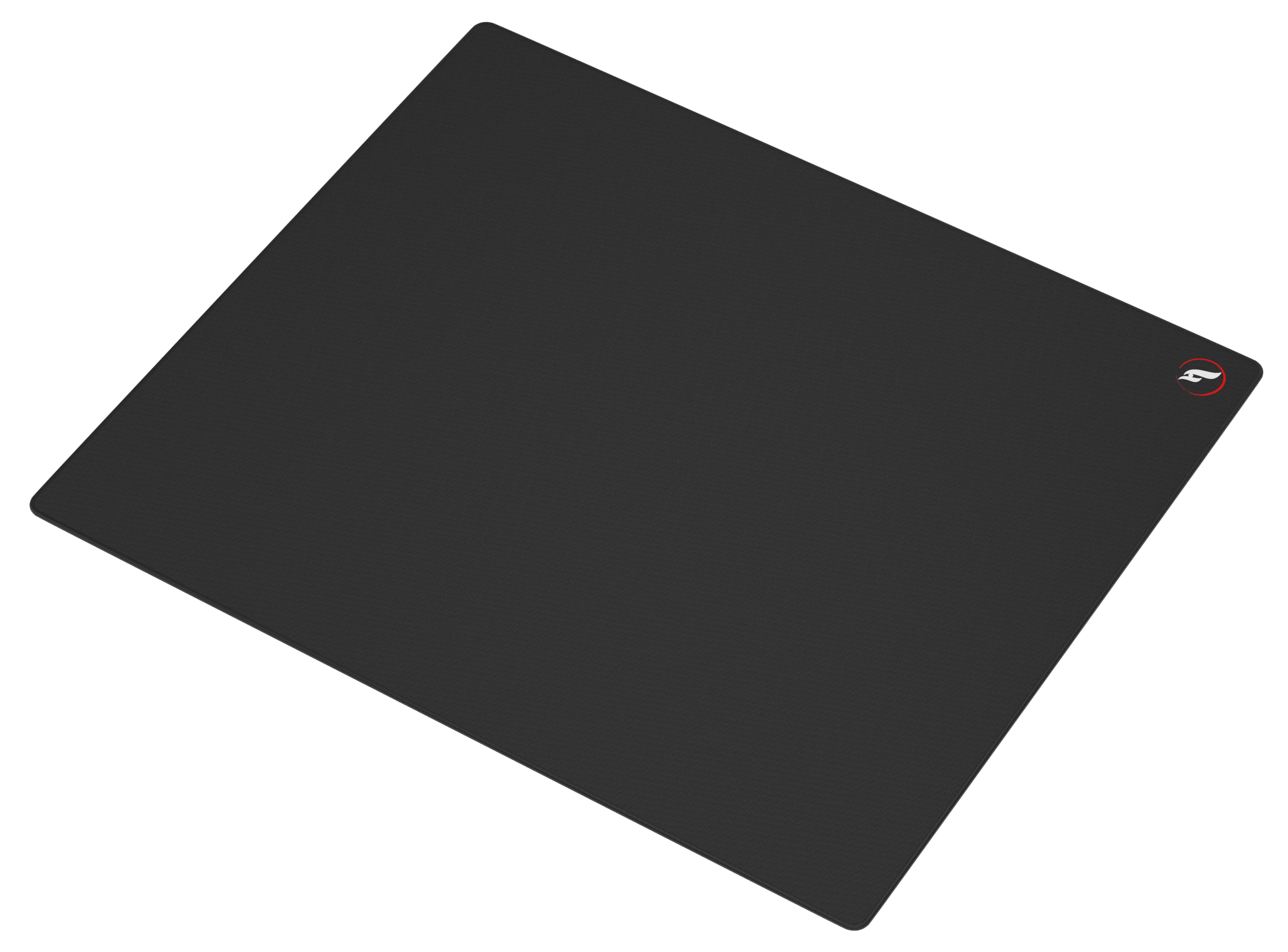
| Andromeda — Hybrid Surface Gaming Mousepad • XL | Hybrid | $33.99 | Palm grip: balanced glide with reliable stopping power |
| Andromeda Pro — Hybrid Surface Gaming Mousepad • XL | Hybrid | $55.99 | Palm grip with 4mm cushioning for long sessions |
| Infinity v2 — Hybrid Surface Gaming Mousepad • XL | Hybrid | $38.99 | Claw grip: versatile hybrid texture, dual-sided |
| Infinity V2 — Hybrid Surface Gaming Mousepad • 2XL | Hybrid | $55.99 | Claw grip with extended coverage for wider motion |
| ZeroGravity — Speed Surface Gaming Mousepad • XL | Speed | $24.99 | Fingertip grip: ultra-low static friction for twitch flicks |
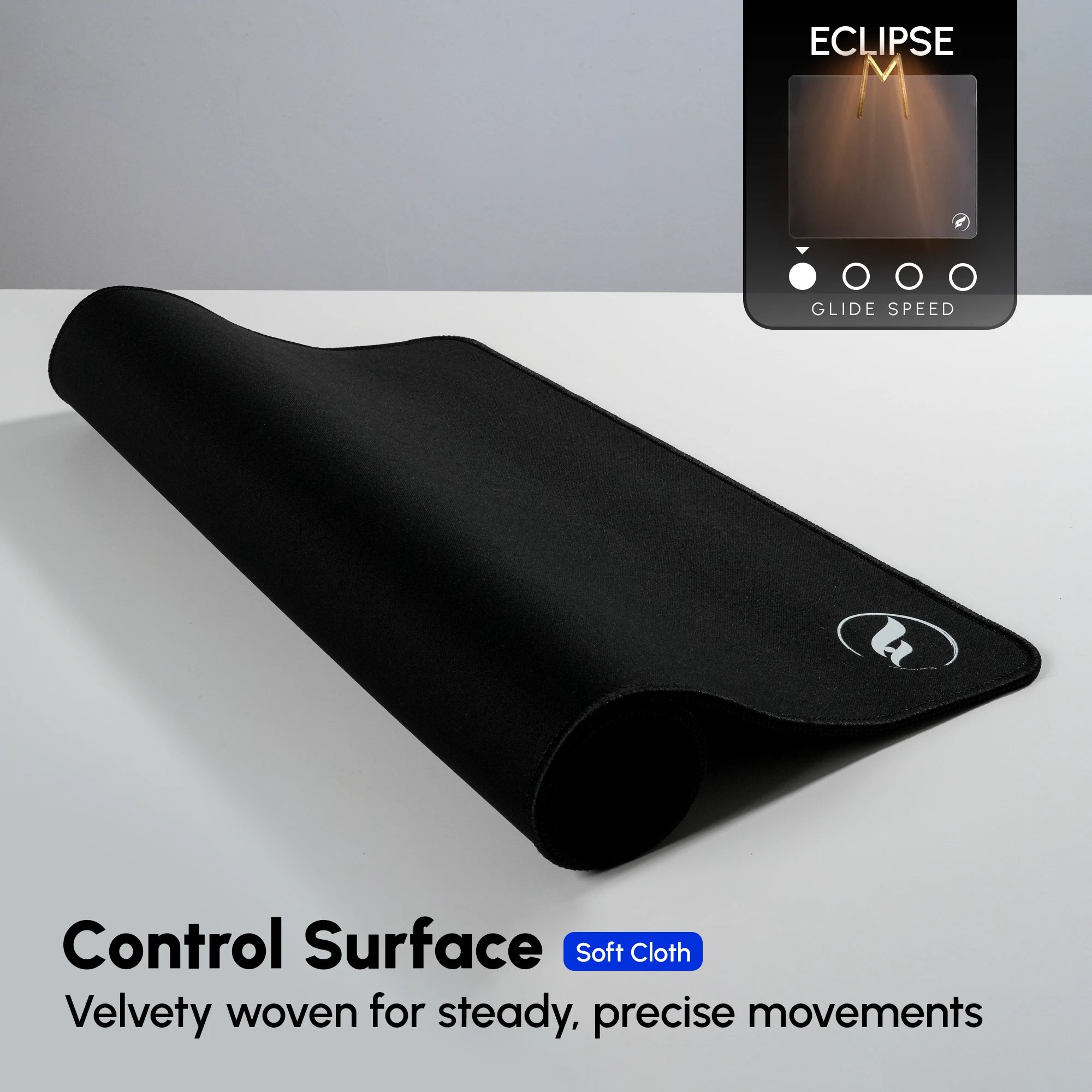
| Eclipse XL — Control Surface Gaming Mousepad • XL | Control | $37.99 | Any grip prioritising maximum crosshair stability |
| Nova Padded Keyboard Wrist Rest | Accessory | $24.99 | Palm and claw grip wrist support for extended play |
Match the pad to your grip rather than to a review score: palm grippers should start with the Andromeda XL, claw grippers with the Infinity v2 XL, and fingertip grippers with the ZeroGravity XL. Browse the full lineup in the Odin Gaming mousepad collection, or narrow it down by surface family: ZeroGravity Speed, Infinity Hybrid, and Andromeda Hybrid.
Frequently Asked Questions
What is the best mousepad for a palm grip player?
Palm grip players benefit most from hybrid surfaces like the Andromeda or Infinity V2. These pads offer a smooth glide for arm-sweeping tracking combined with reliable stopping power to anchor your shots.
Can fingertip grip players use control mousepads?
While possible, control pads introduce high initial static friction that can cause fatigue and sluggish micro-adjustments for fingertip users. Fingertip grippers generally perform better on speed-focused surfaces like the ZeroGravity.
How does mouse grip style affect in-game sensitivity?
Grip styles dictate your range of motion. Palm grippers use larger arm movements (lower sensitivity), requiring expansive hybrid pads. Fingertip and claw grippers rely heavily on wrist and finger dexterity (higher sensitivity), benefiting from nimble, frictionless glides.
Which Odin Gaming mousepad is best for Valorant and CS2?
For tactical shooters like Valorant and CS2 where stopping precision is paramount, the Infinity V2 hybrid mousepad provides the ultimate balance of speed and control for claw and hybrid grips.
Does hand sweat affect different mouse grip styles differently?
Yes. Palm grip users have maximum skin contact and are prone to humidity buildup, which can alter glide consistency on cheap cloth pads. Premium moisture-resistant hybrid surfaces maintain consistent glide regardless of hand temperature.
Conclusion
Your mouse grip style is the foundational link between your biological reflexes and your digital aiming accuracy. By aligning your grip mechanics with the correct surface friction—whether you choose the balanced hybrid precision of the Andromeda and Infinity V2 or the blazing speed of the ZeroGravity—you eliminate mechanical resistance and unlock true consistency. Stop letting subpar gear bottleneck your competitive rank. Explore the complete Odin Gaming Mousepad Collection today and equip your setup with professional-grade performance.